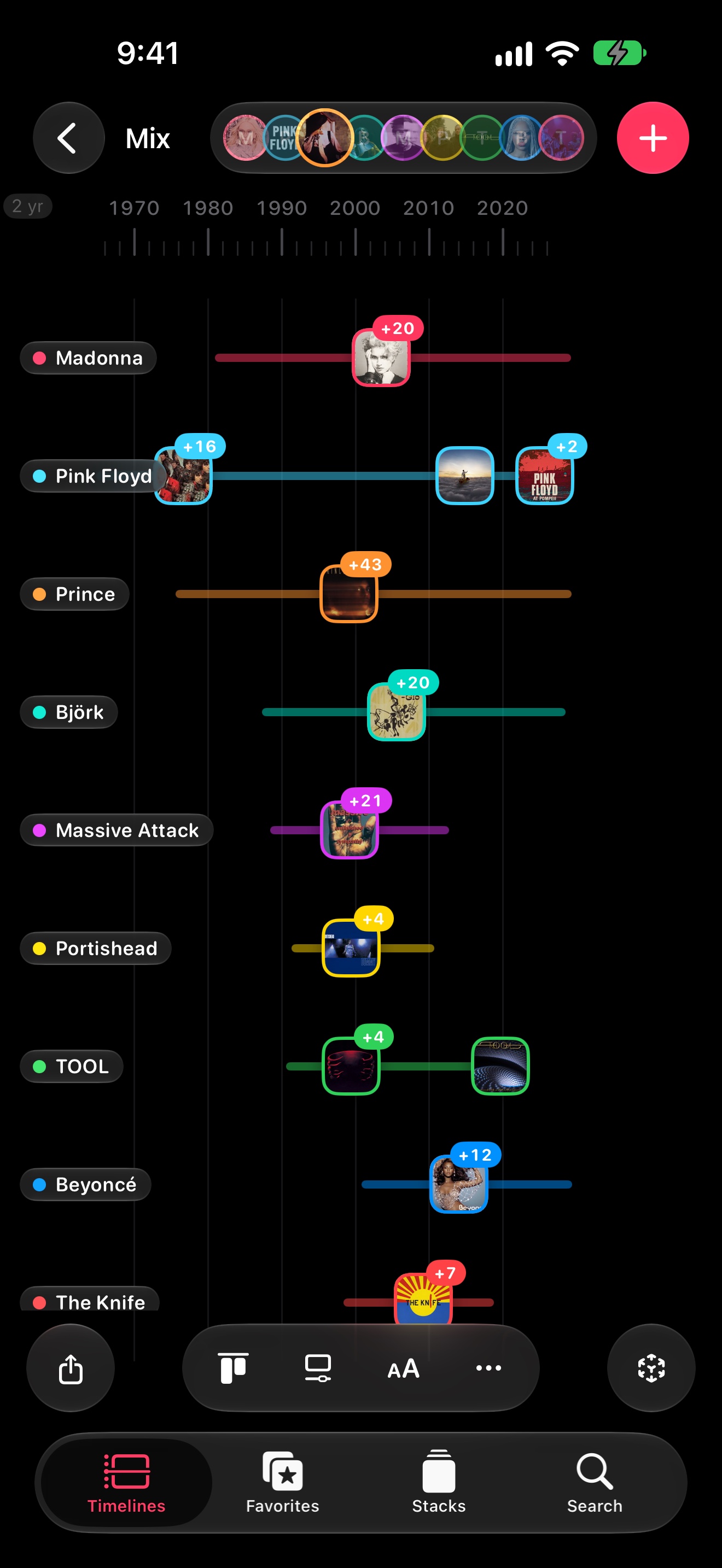
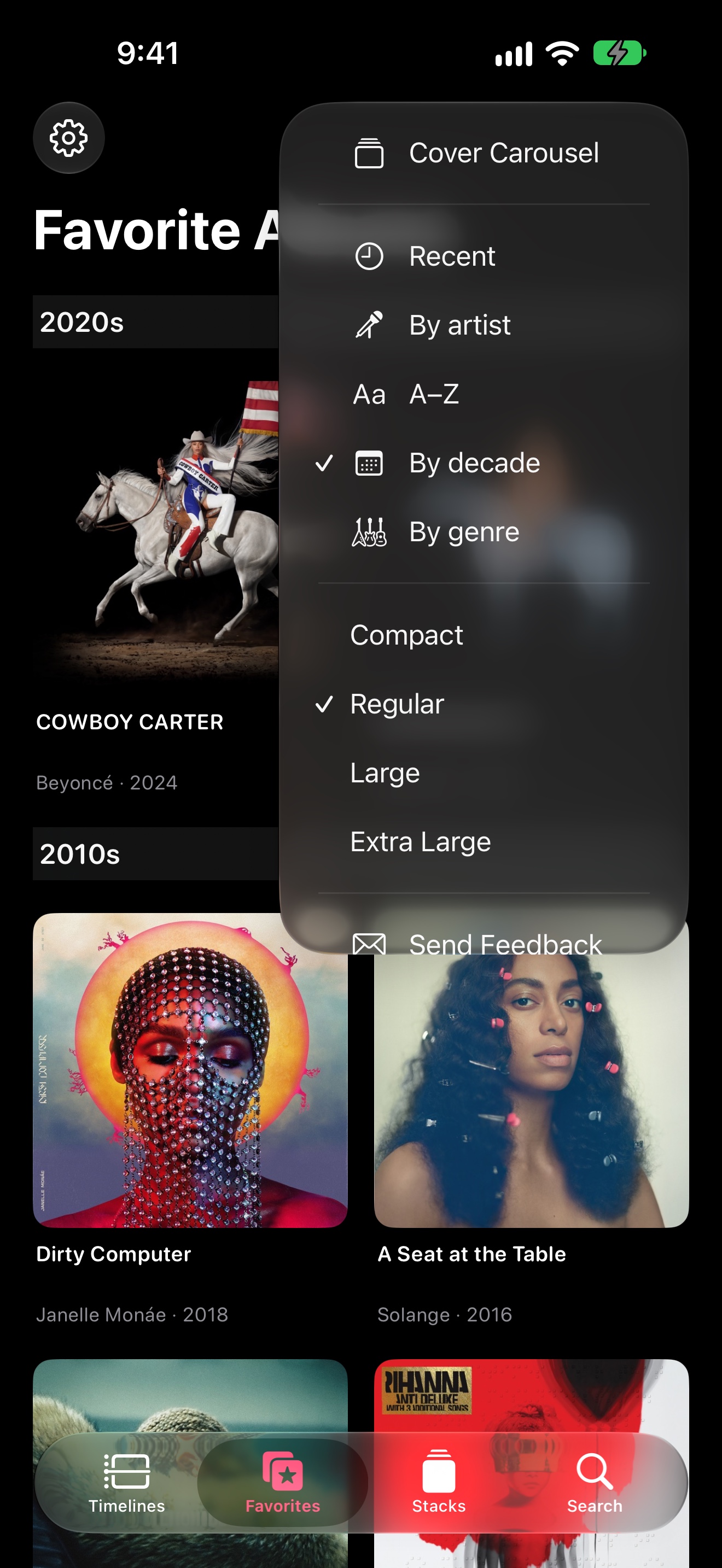
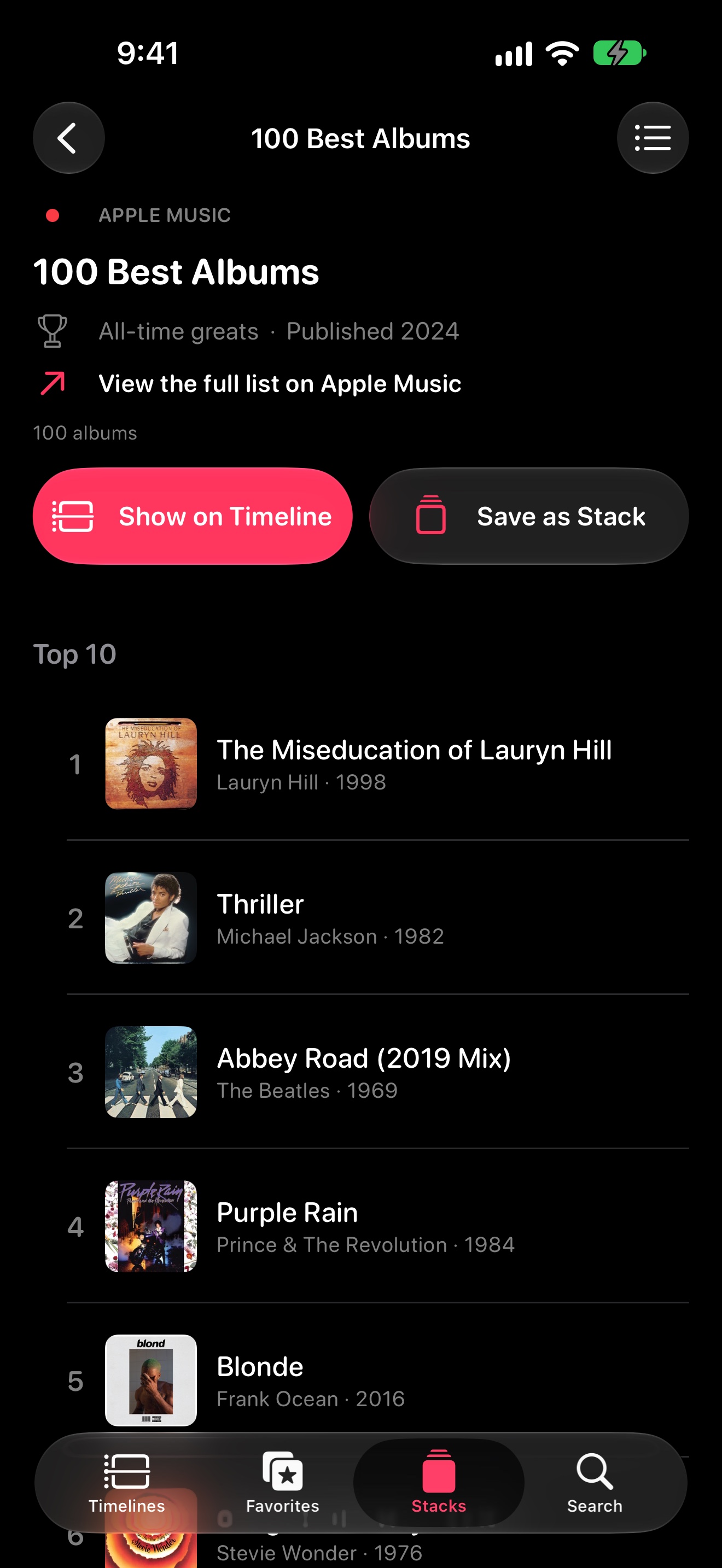
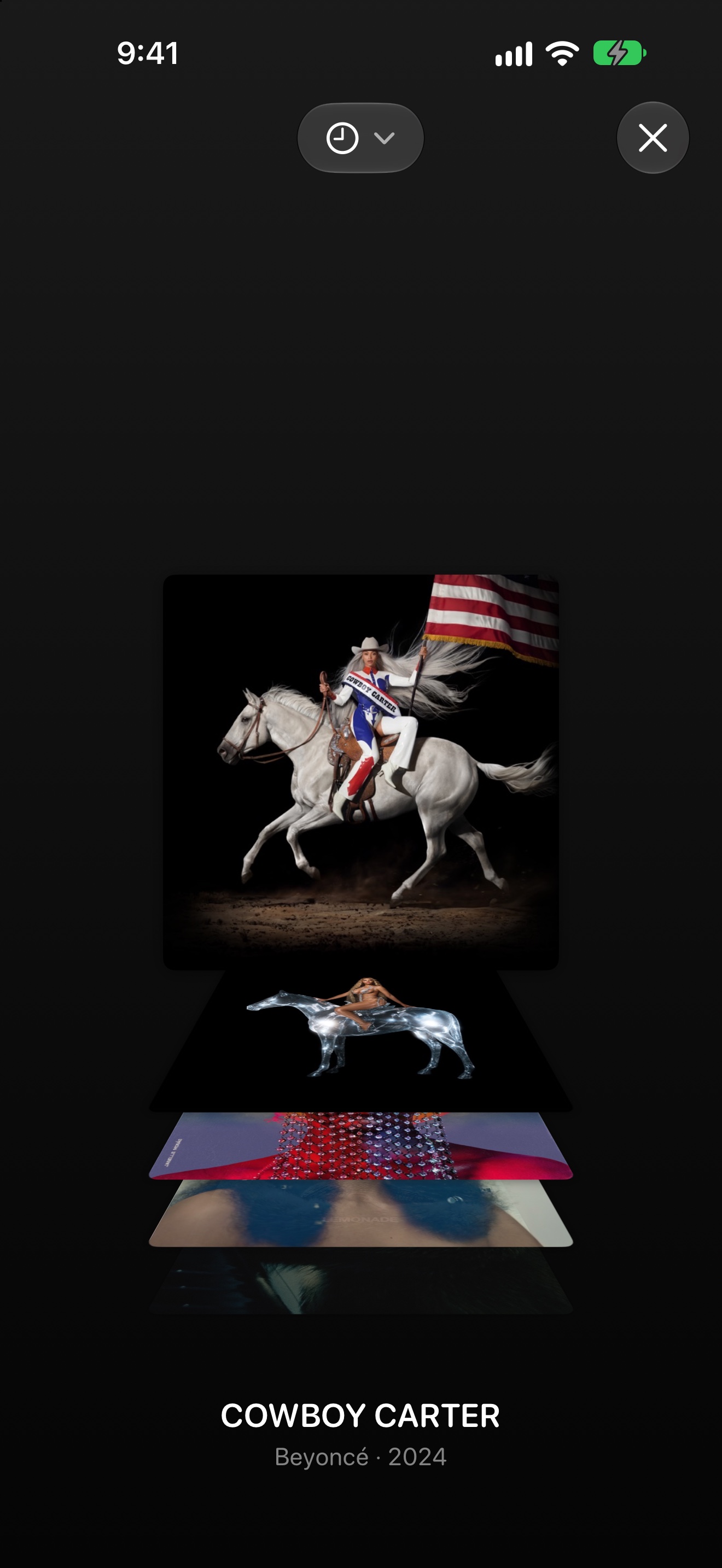
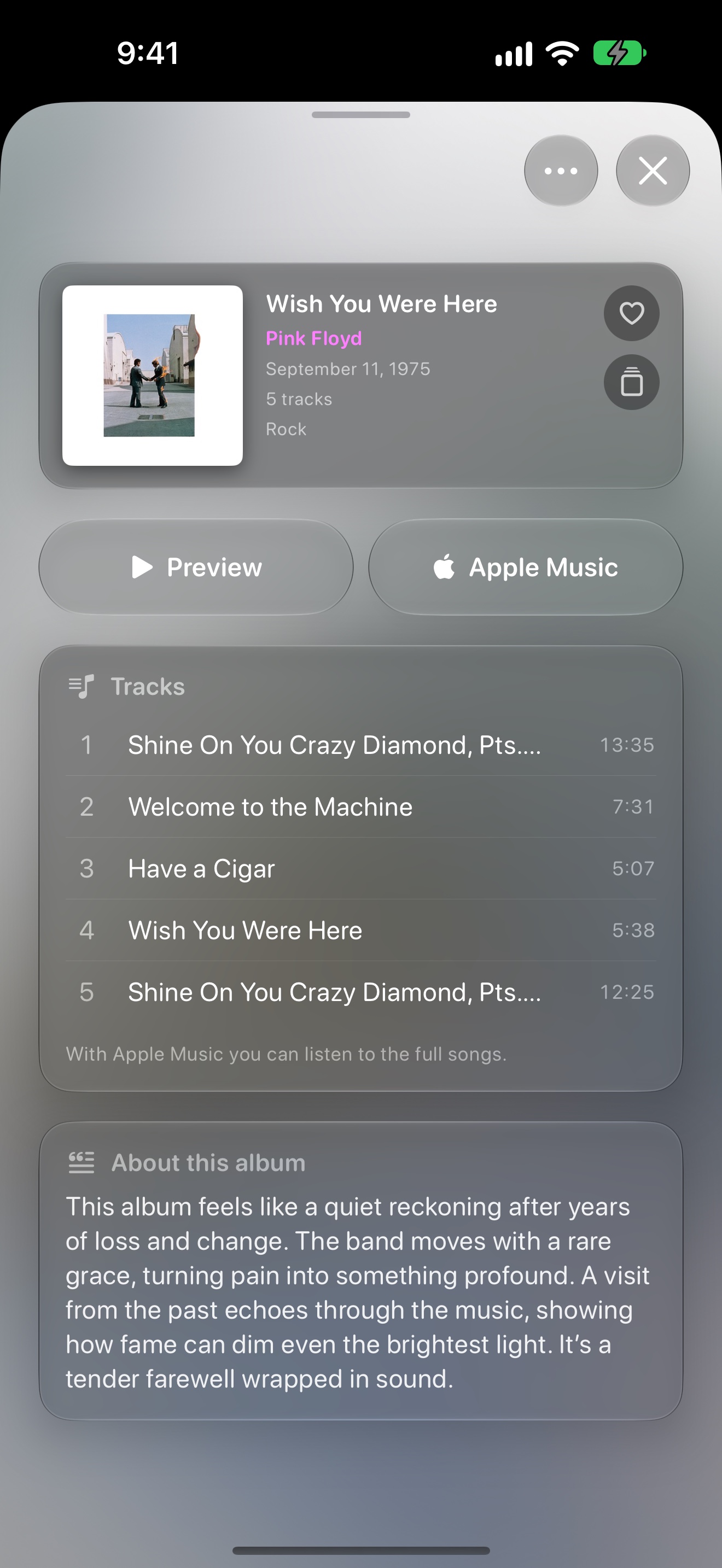
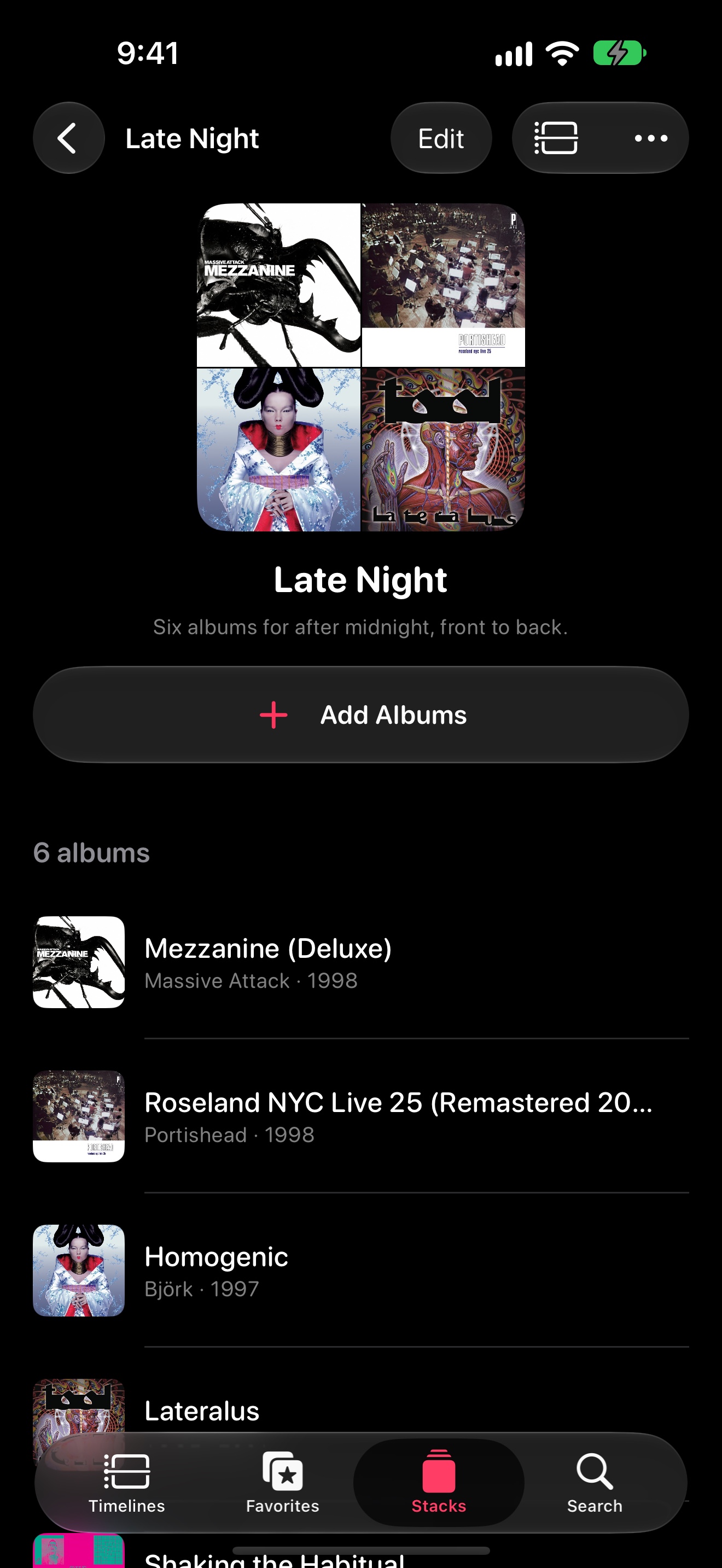
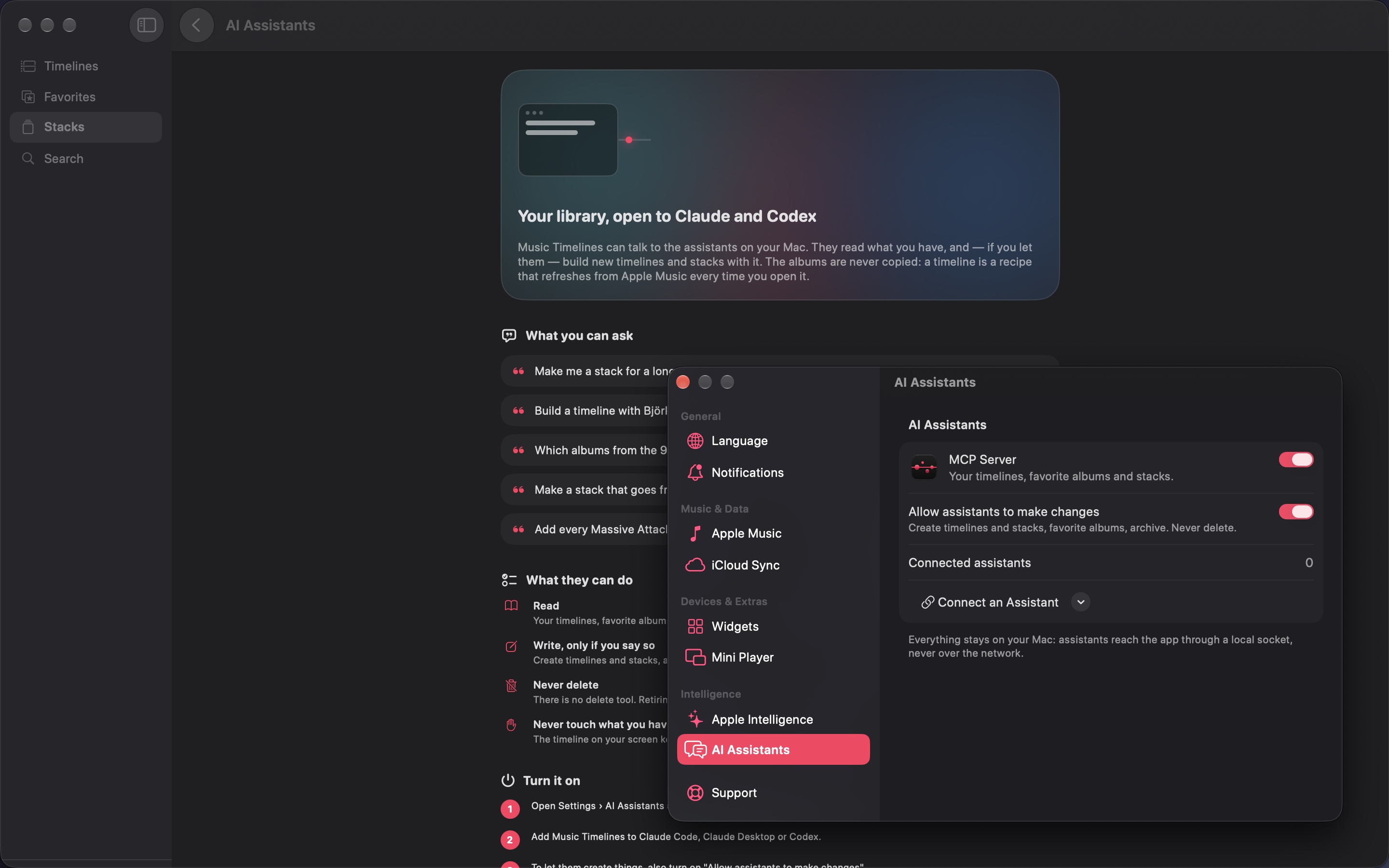
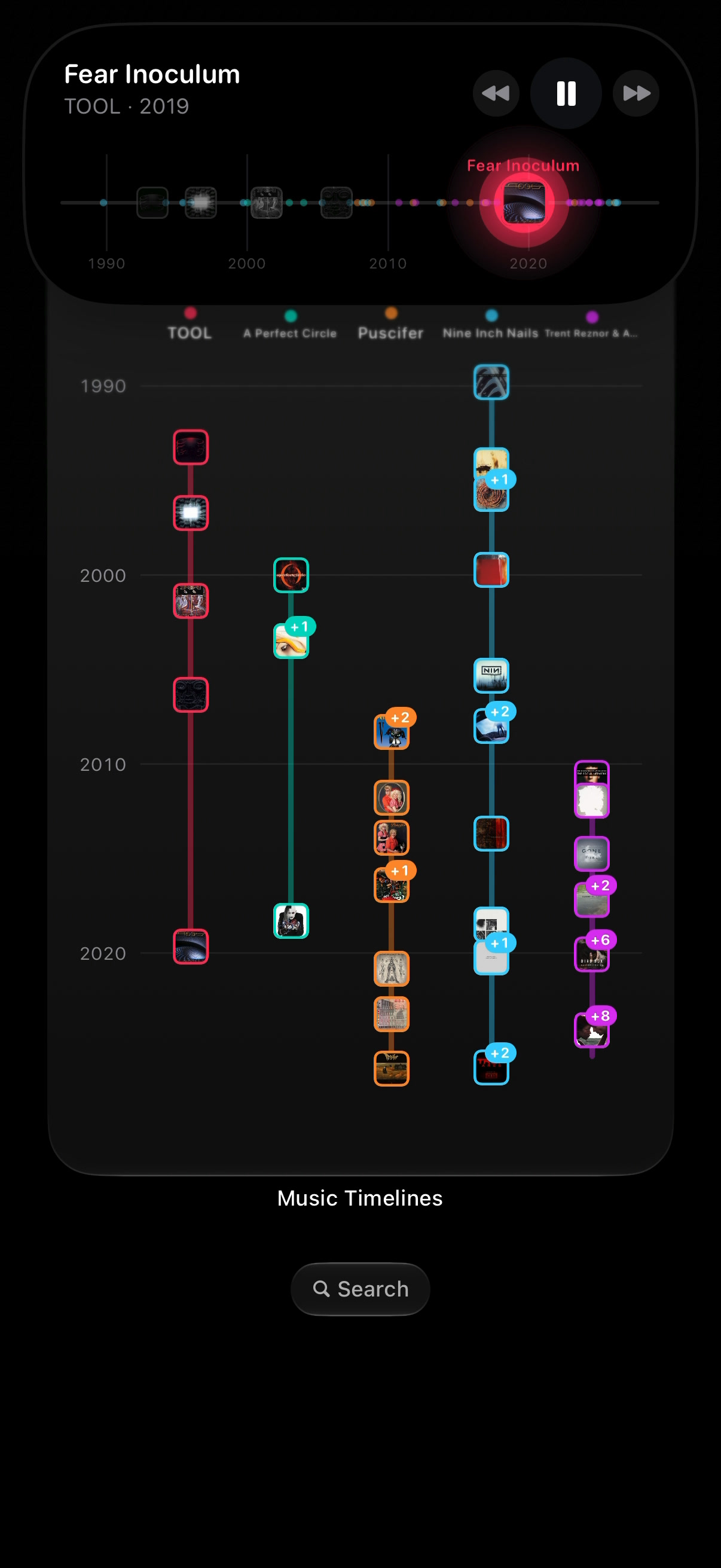
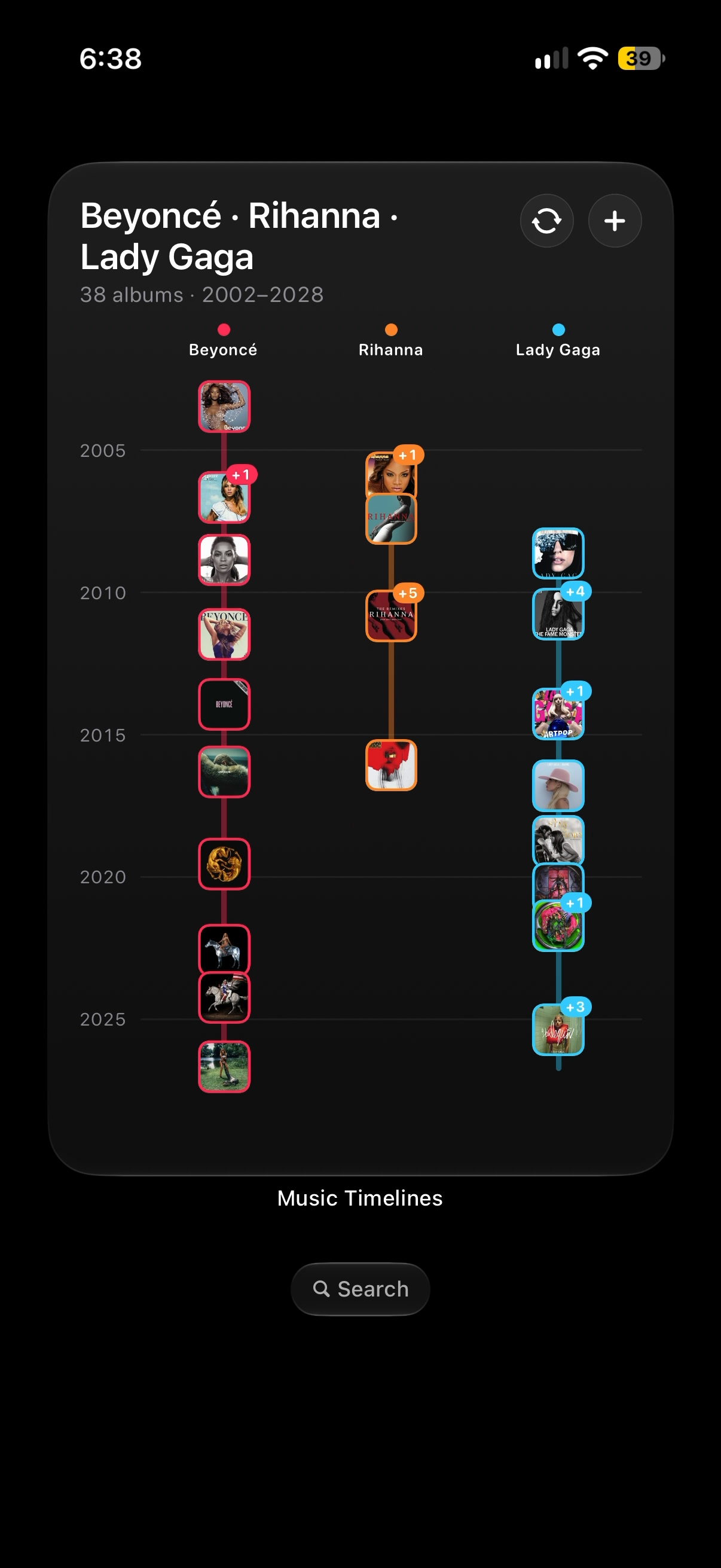
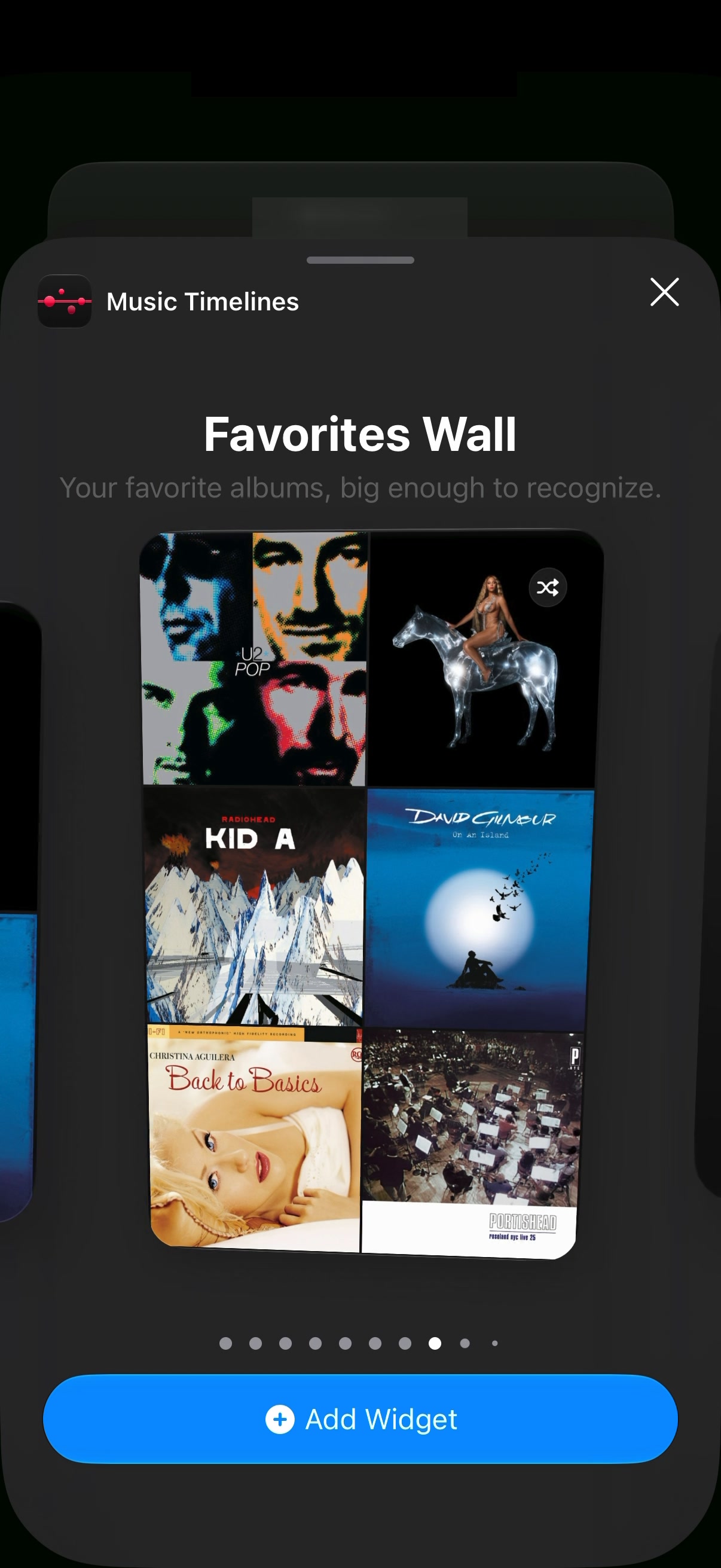
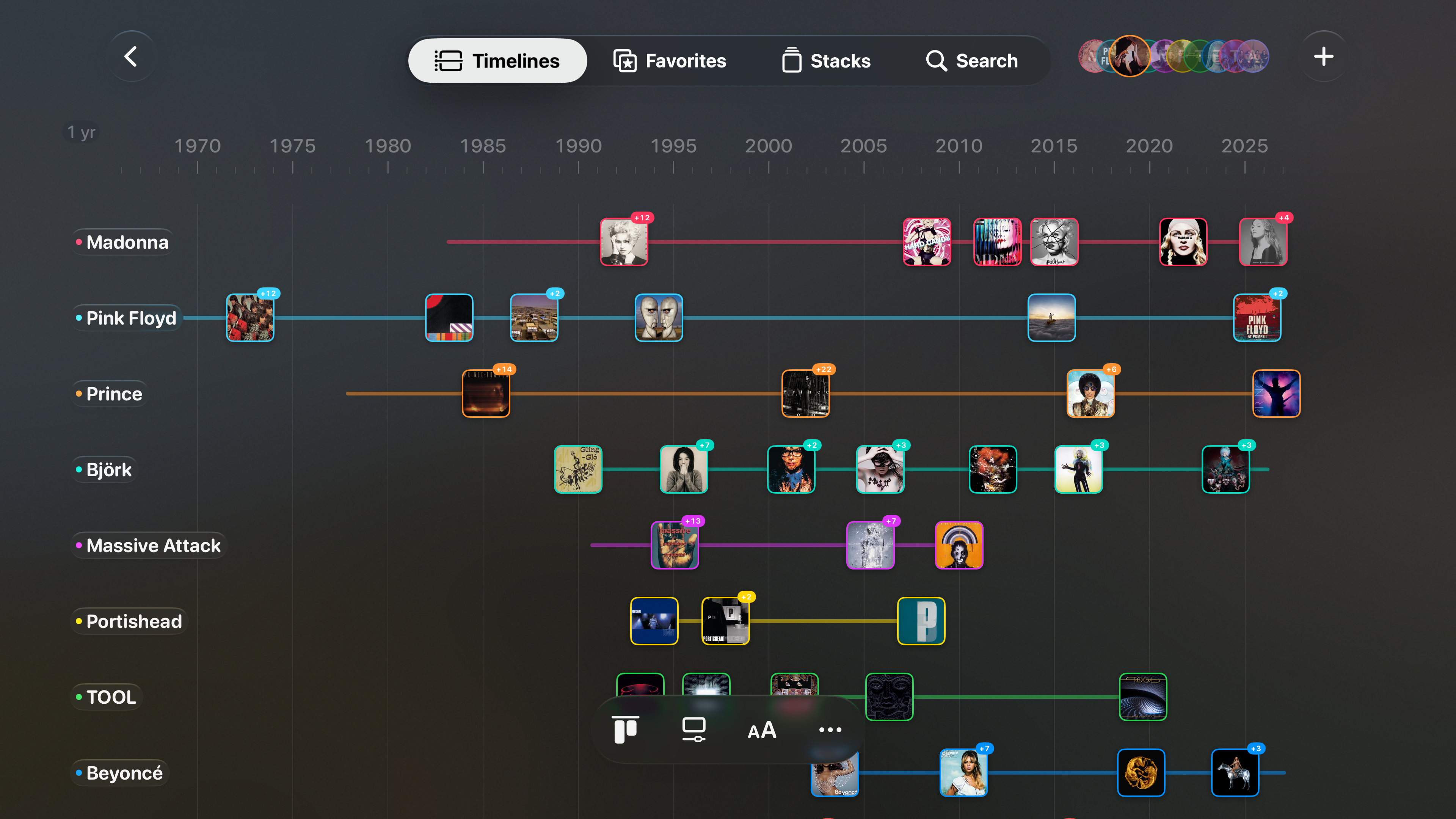
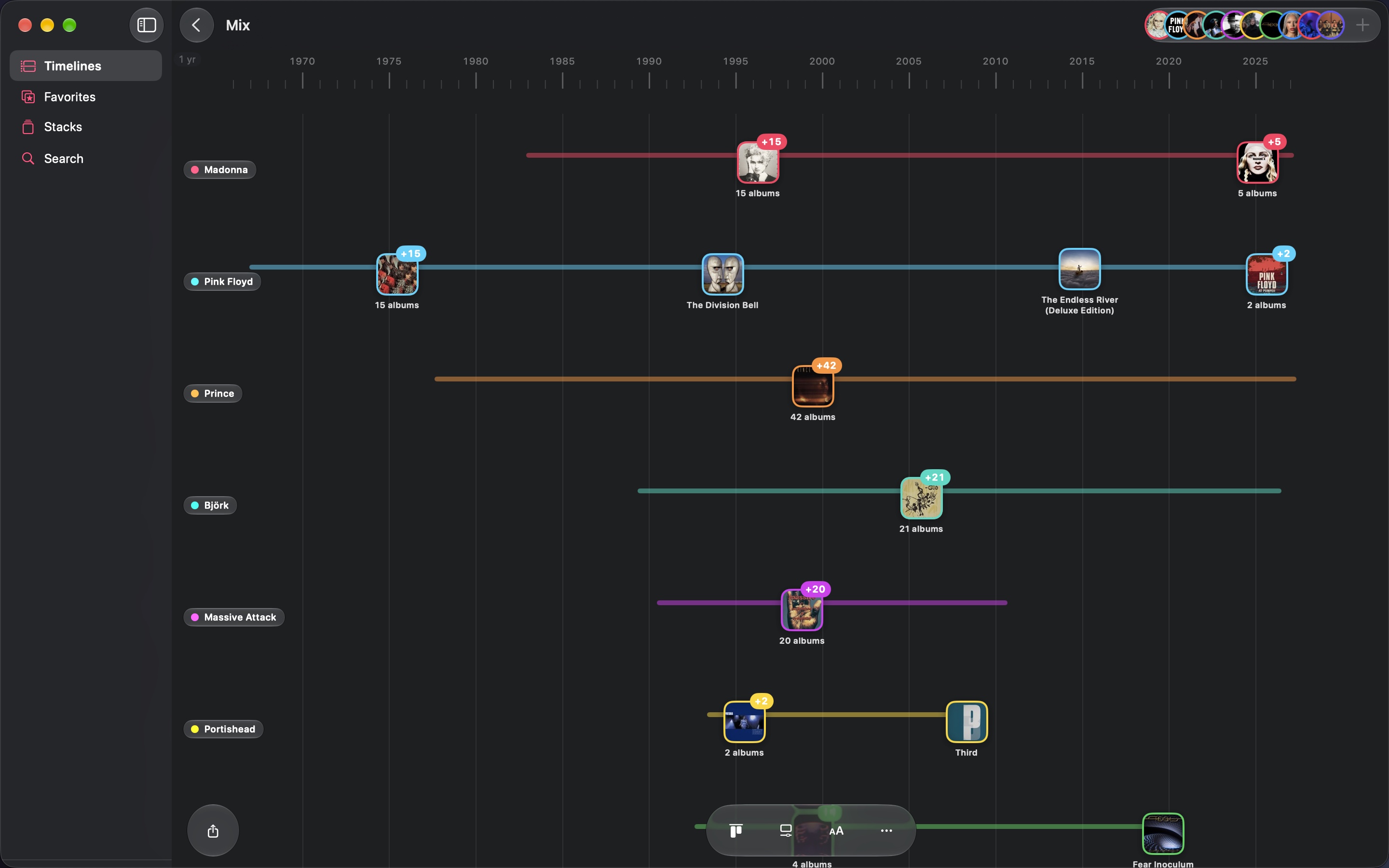
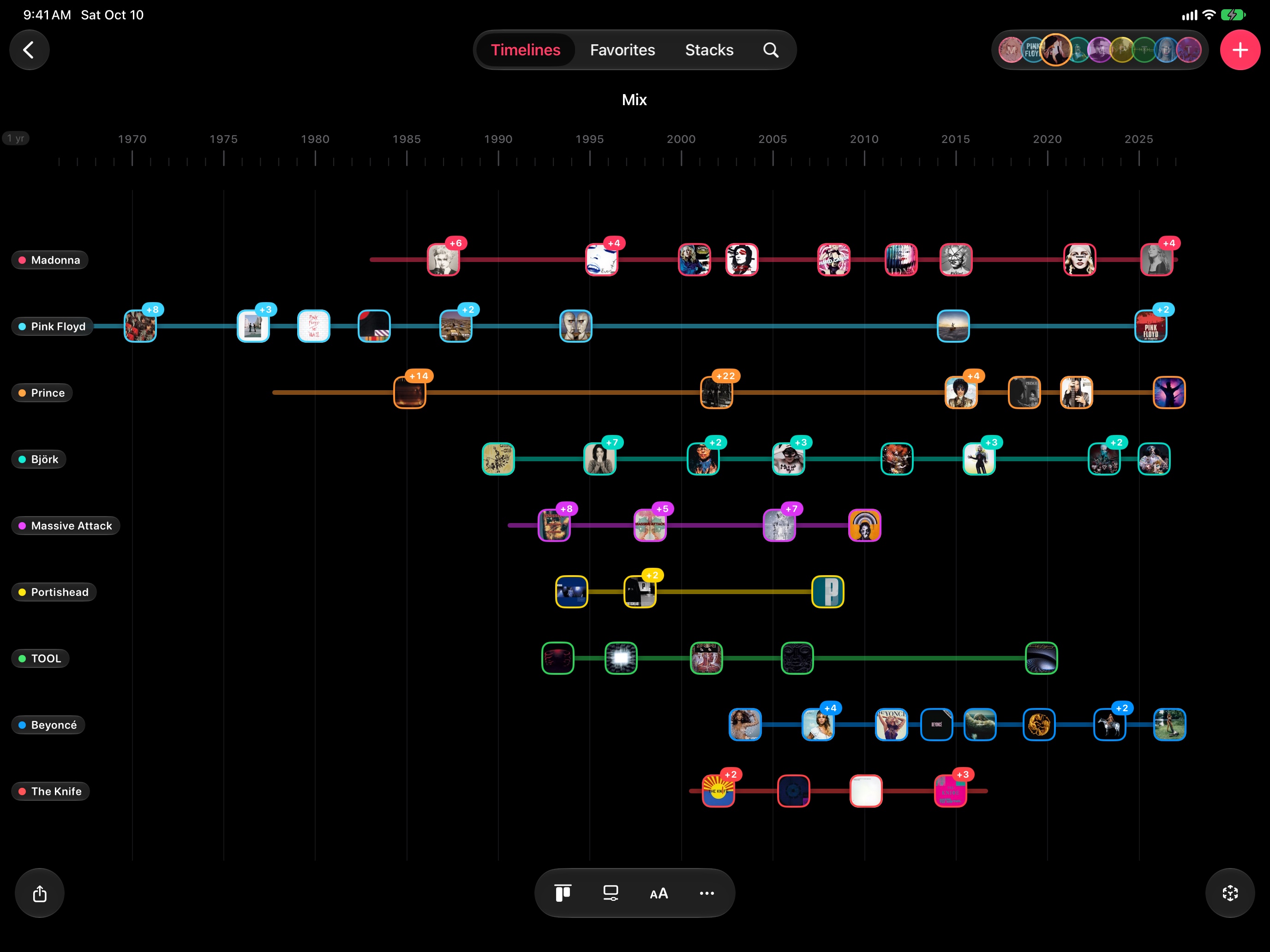
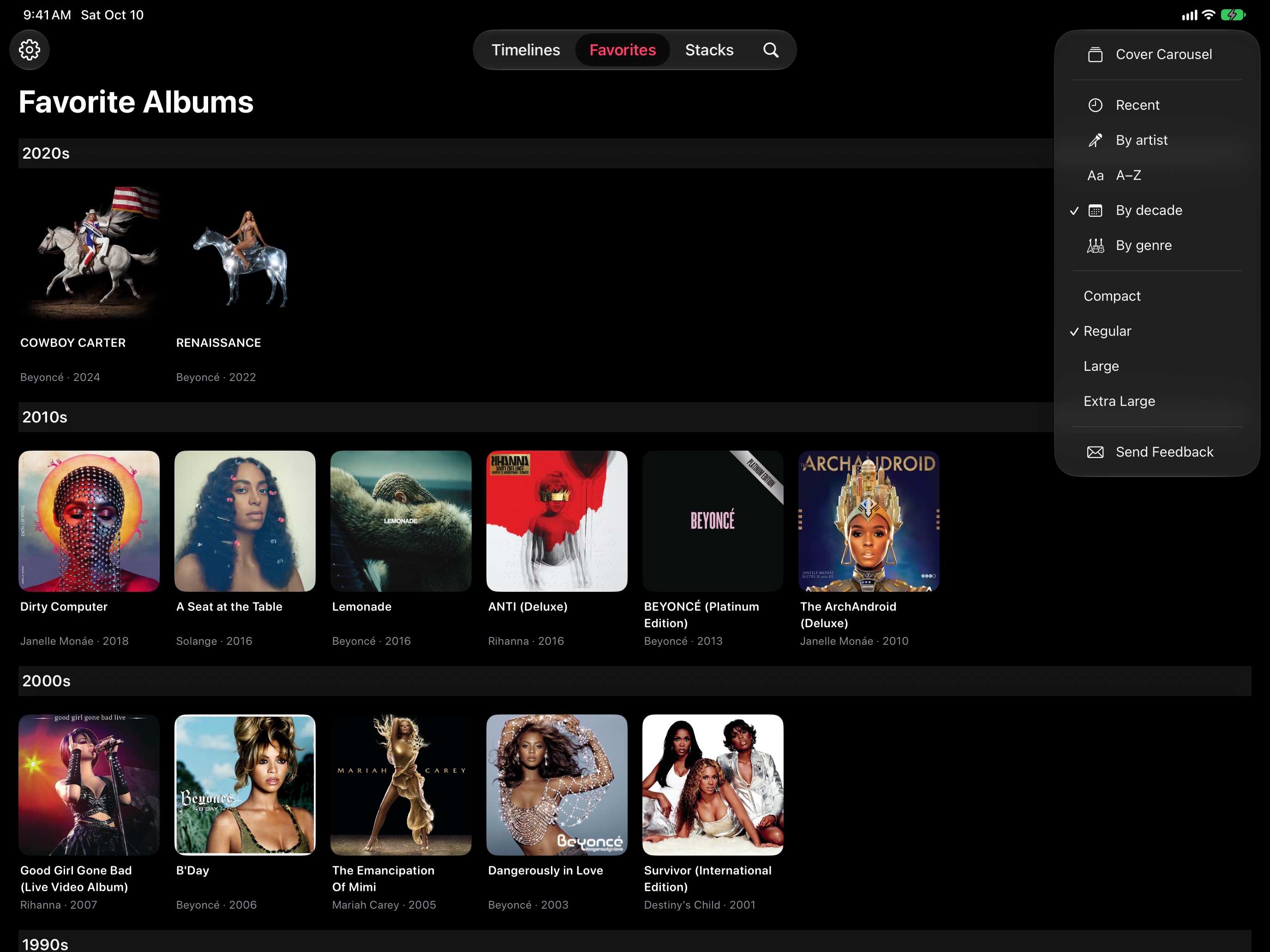
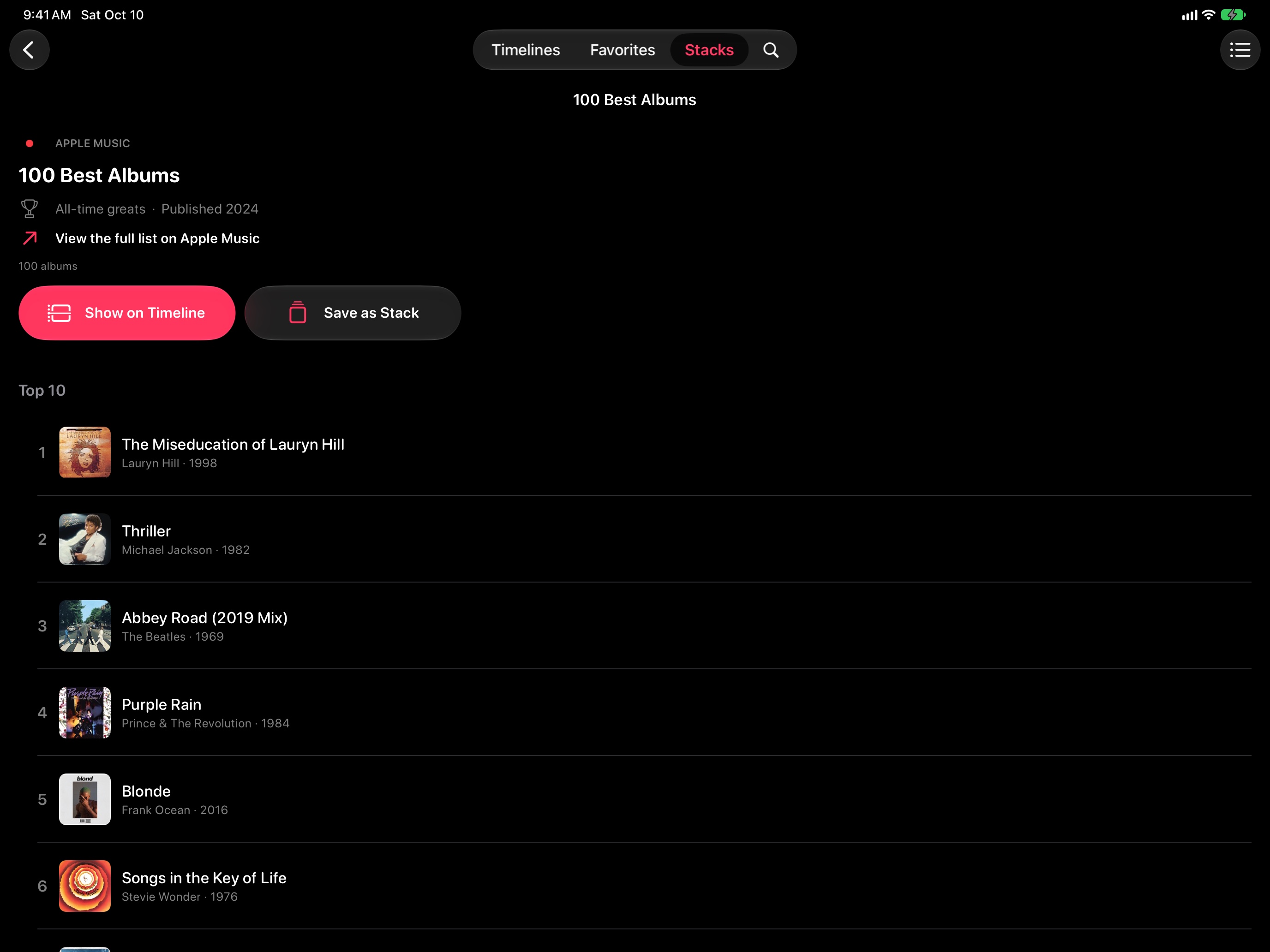
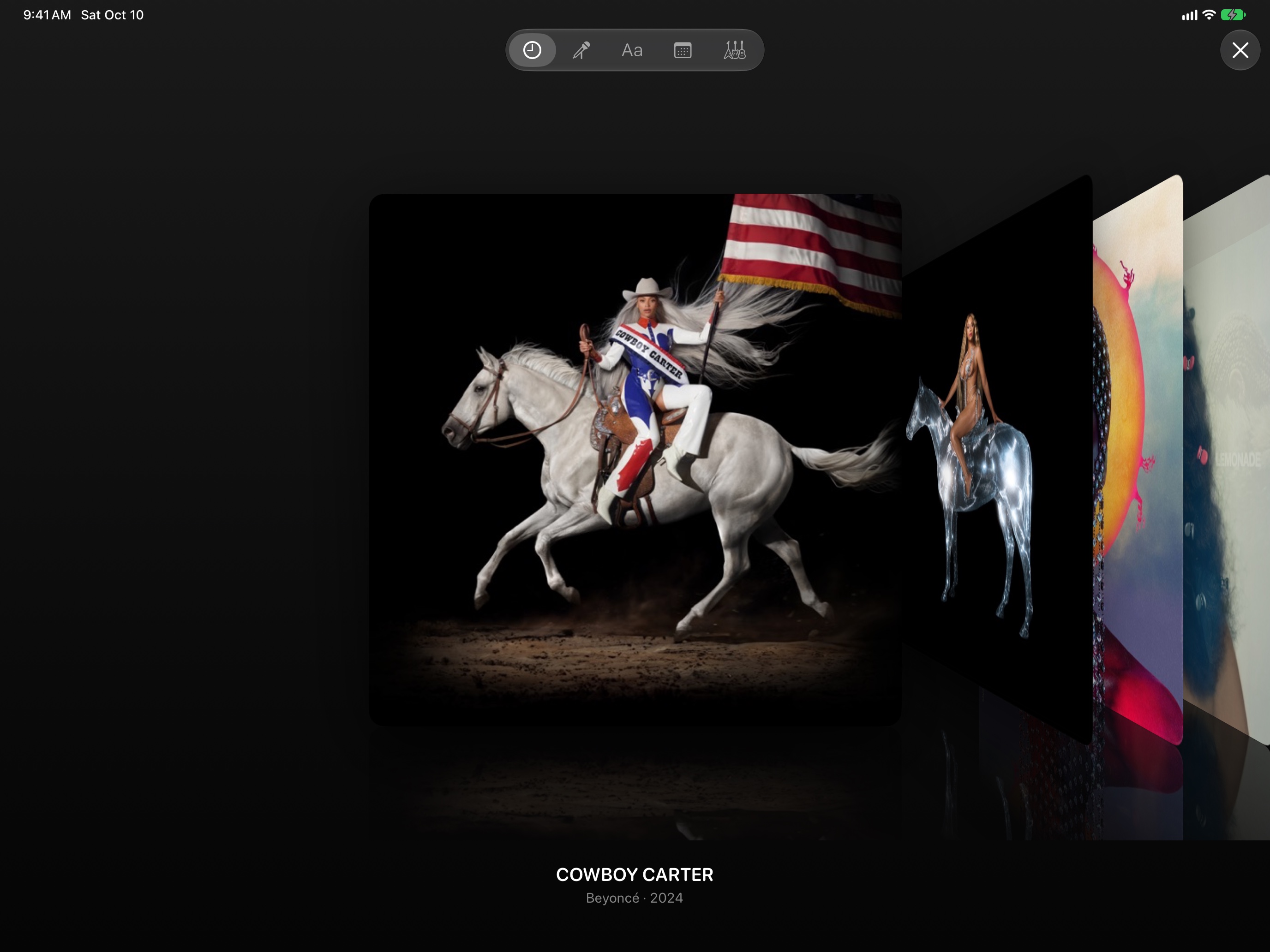
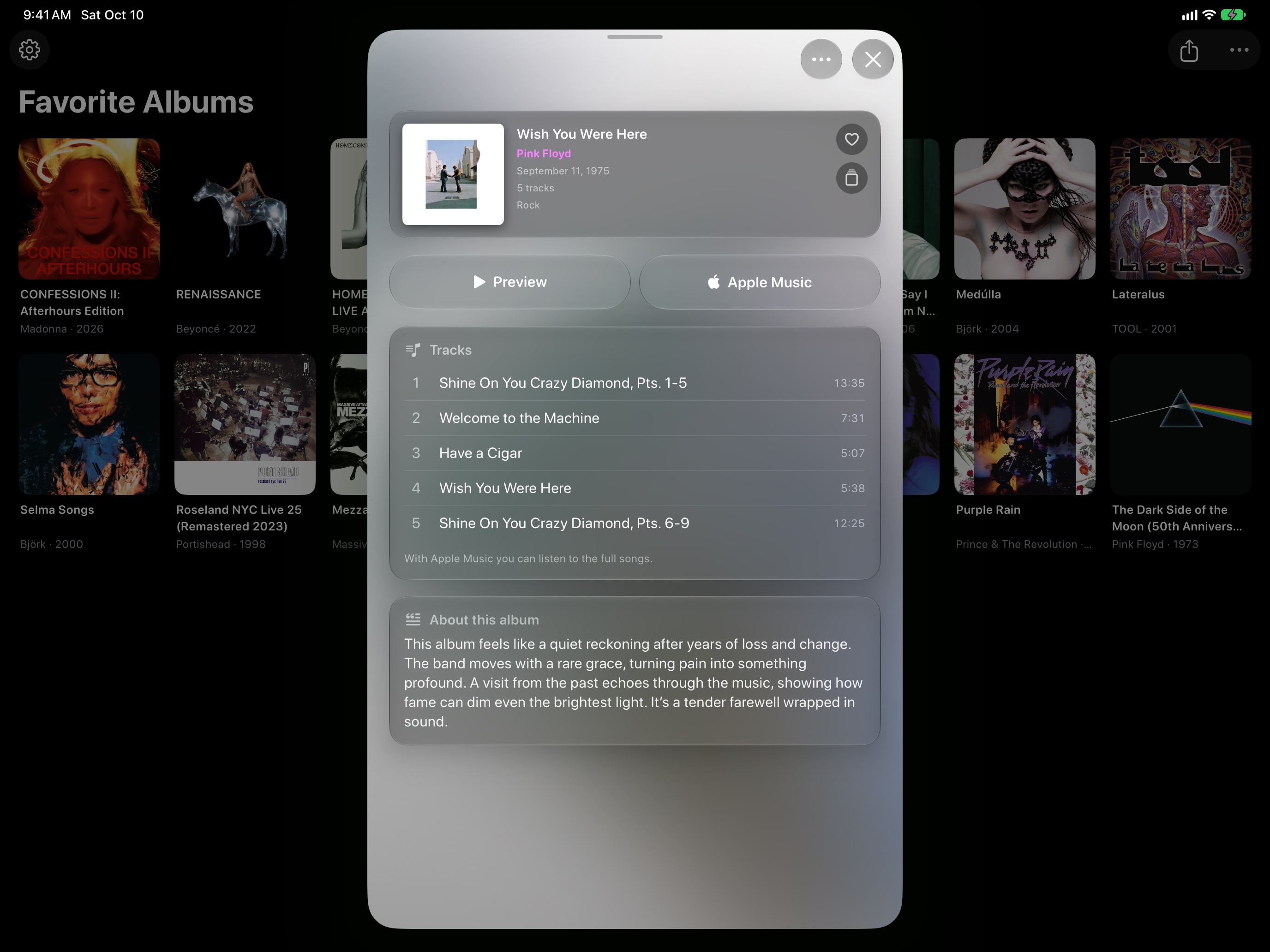
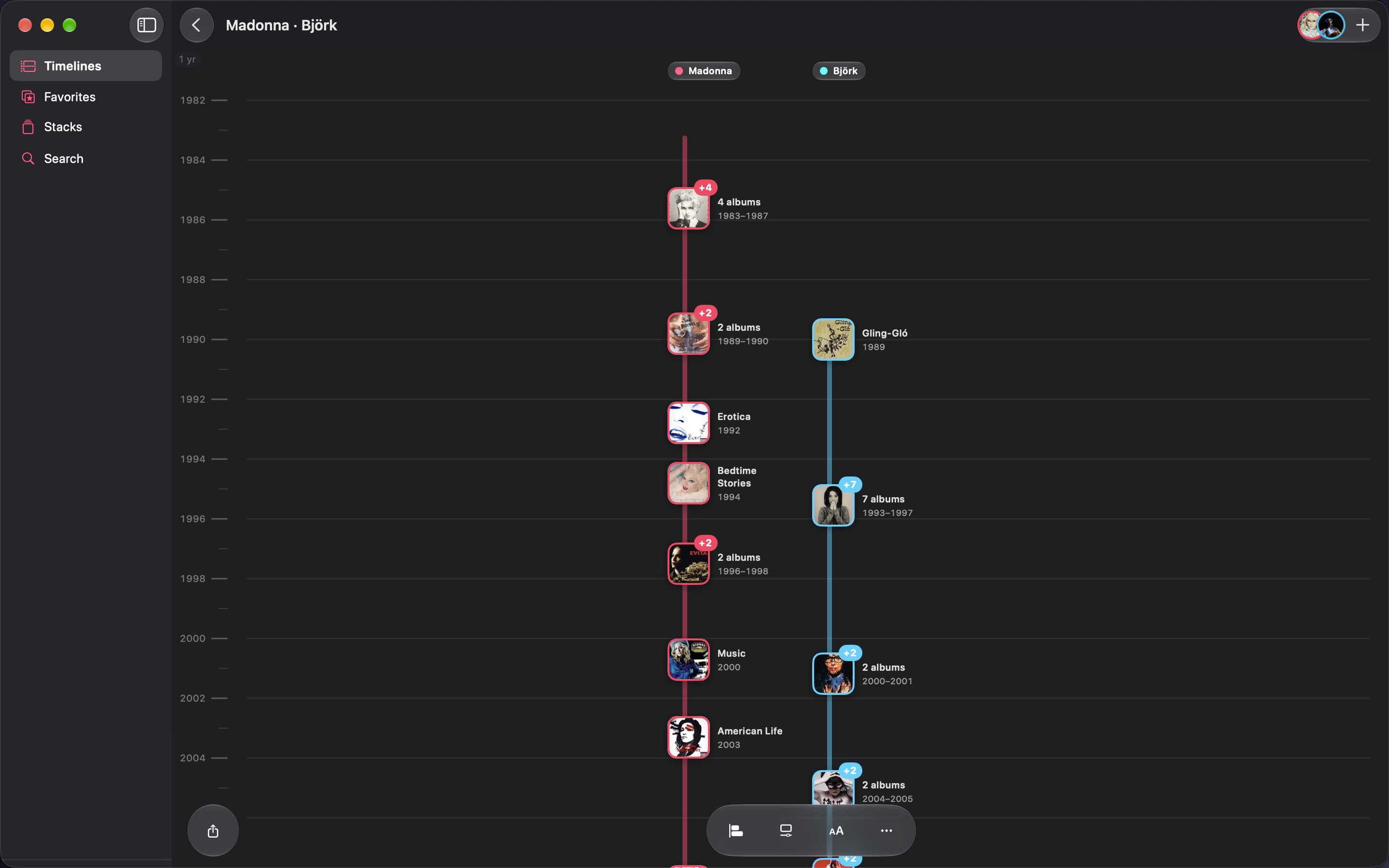
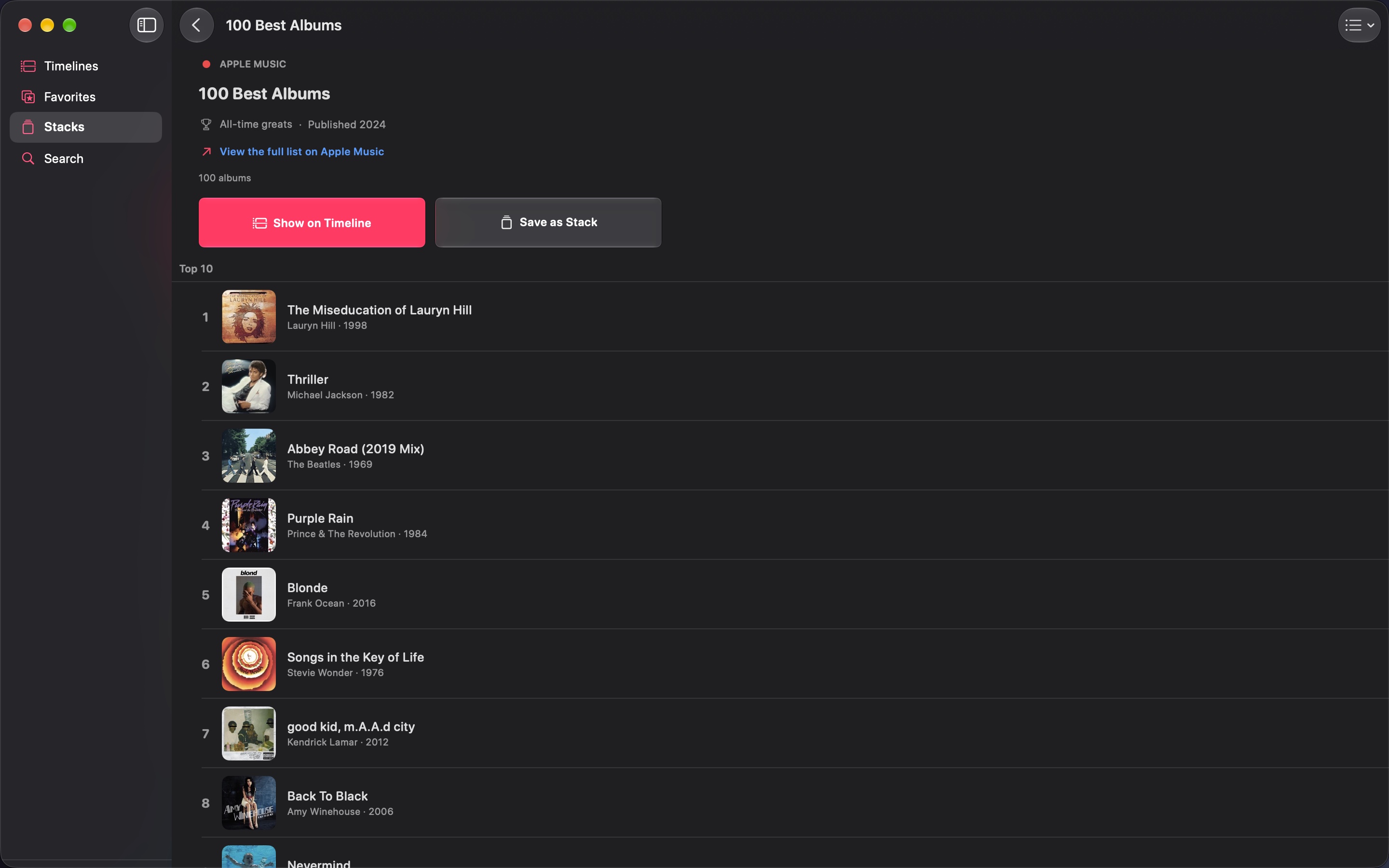
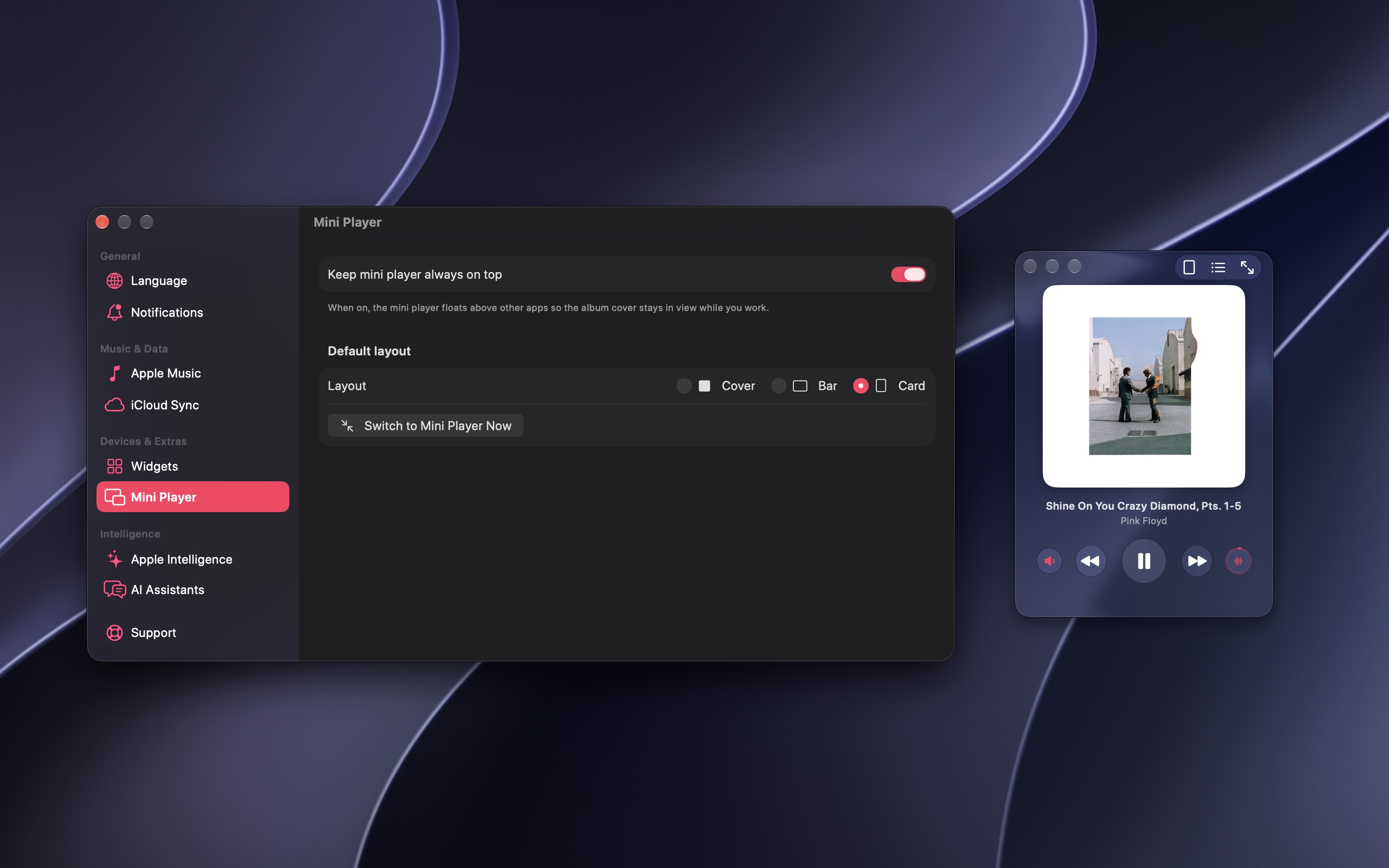
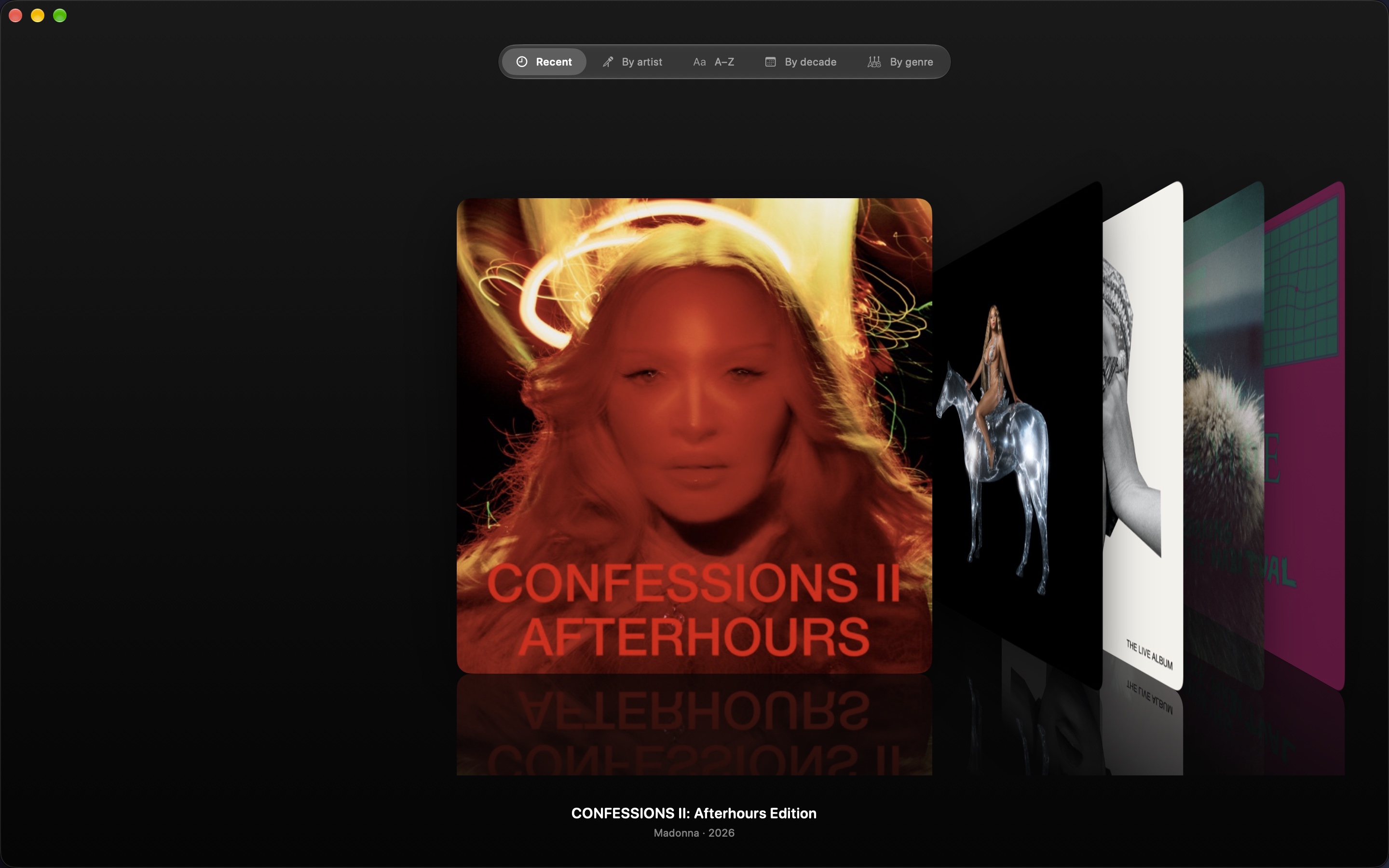
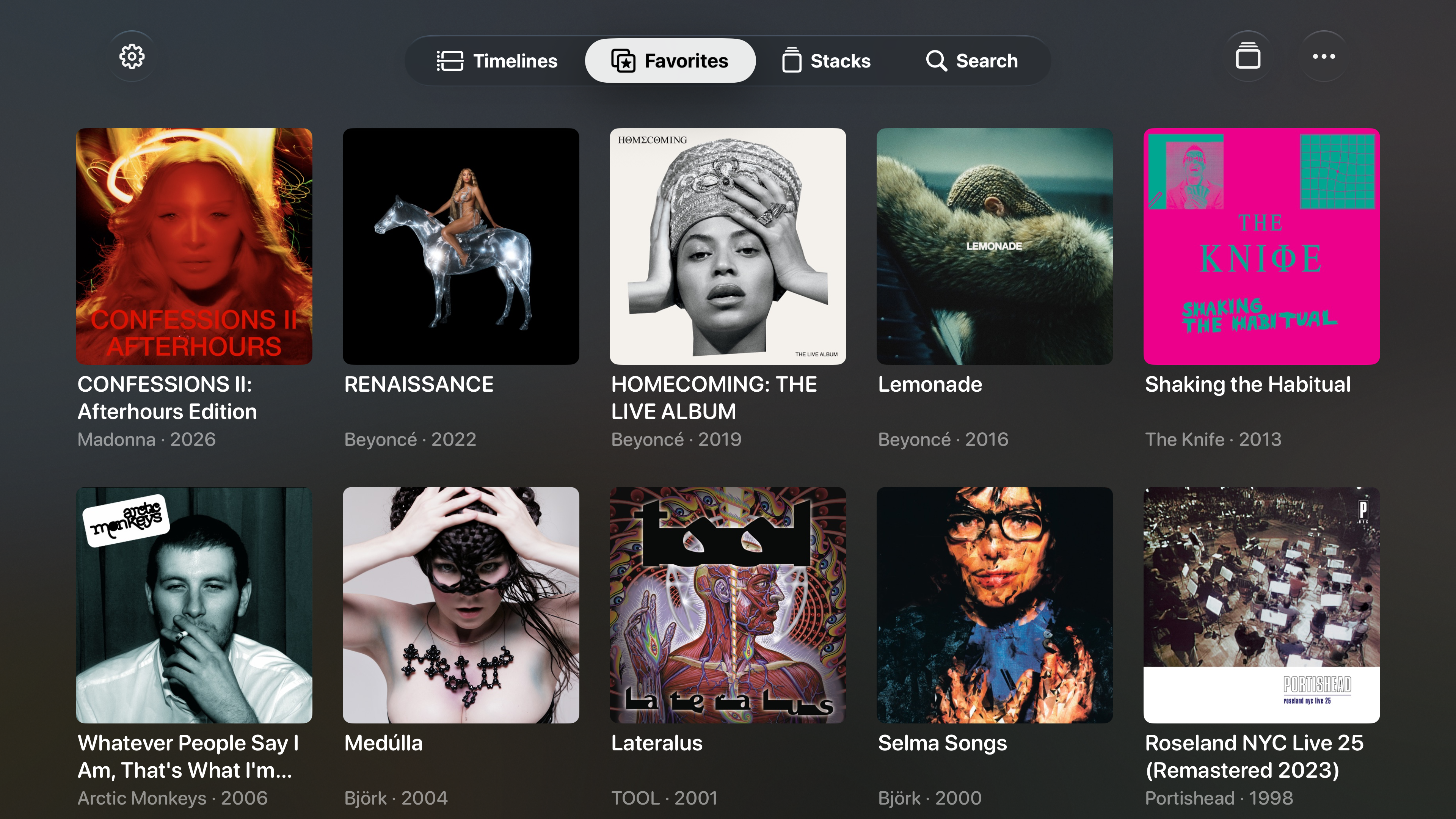
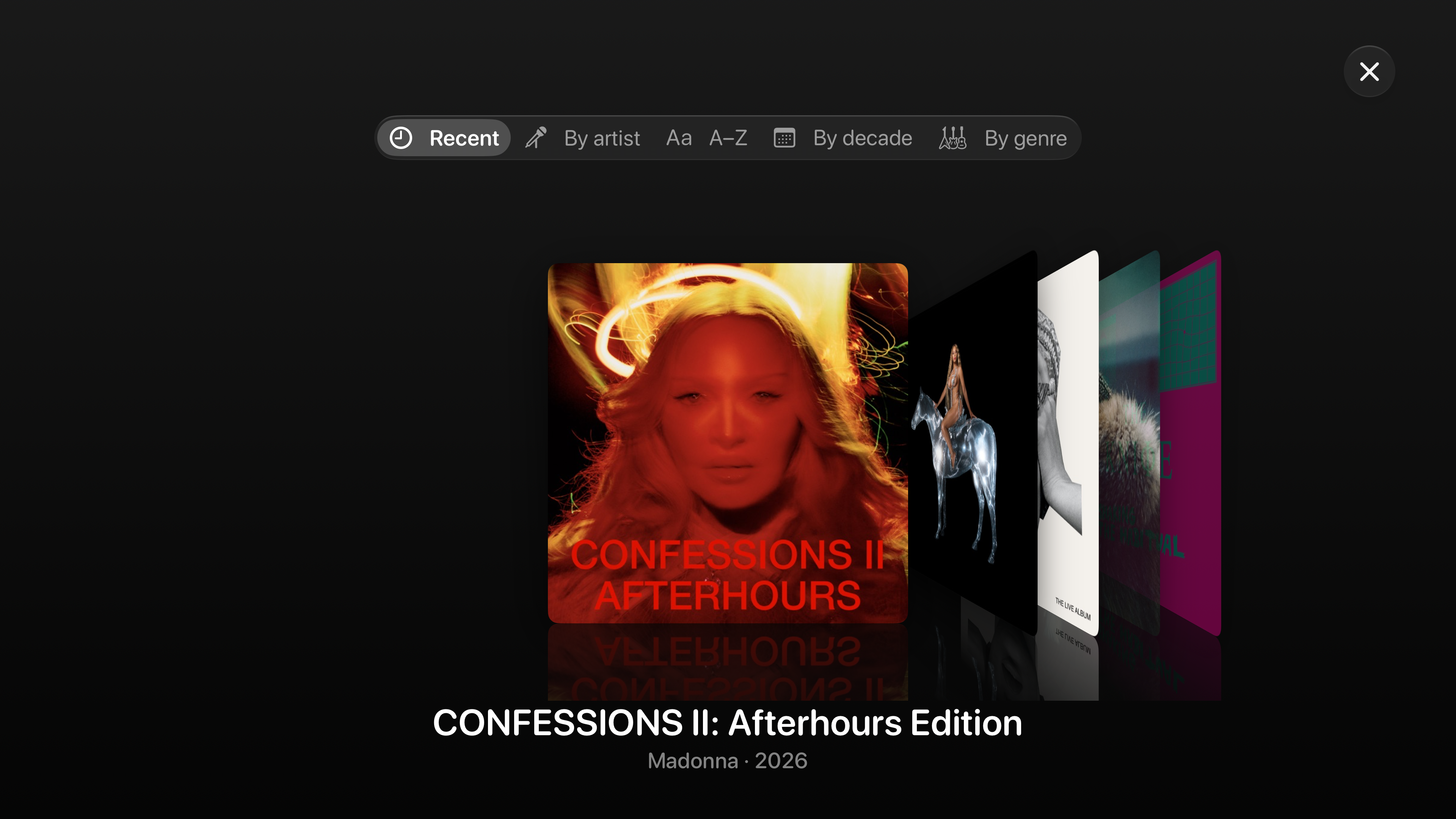
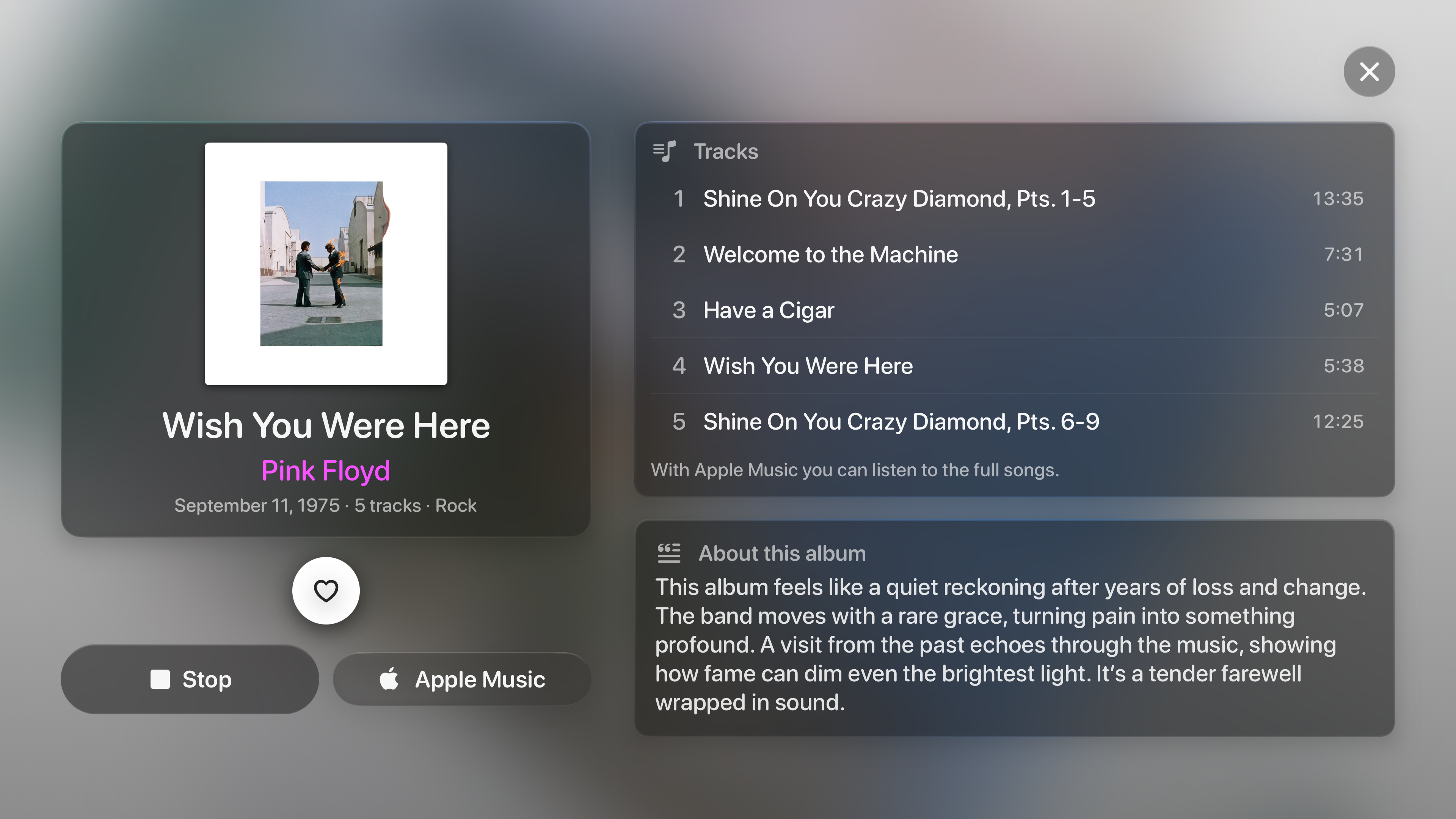
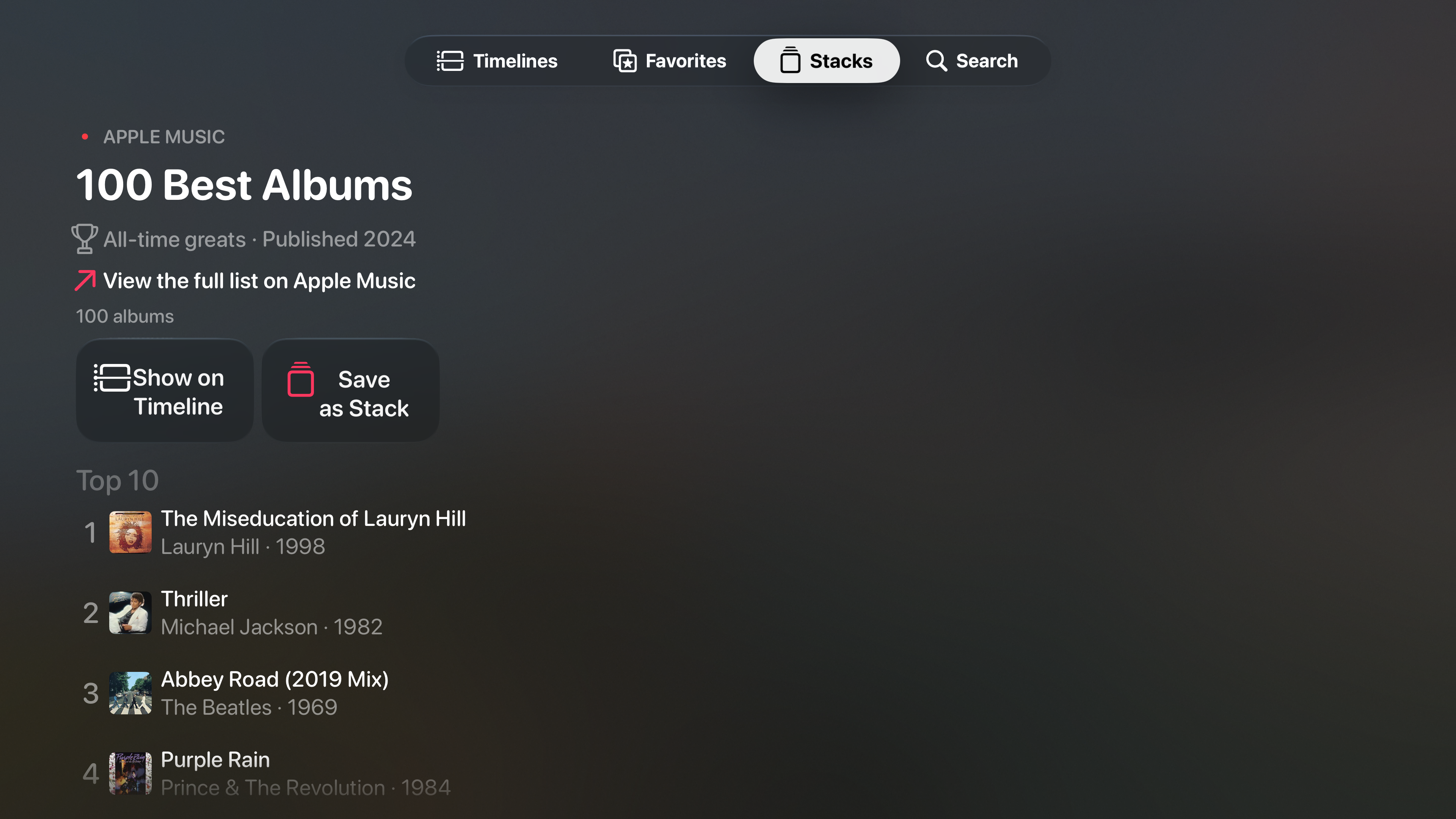
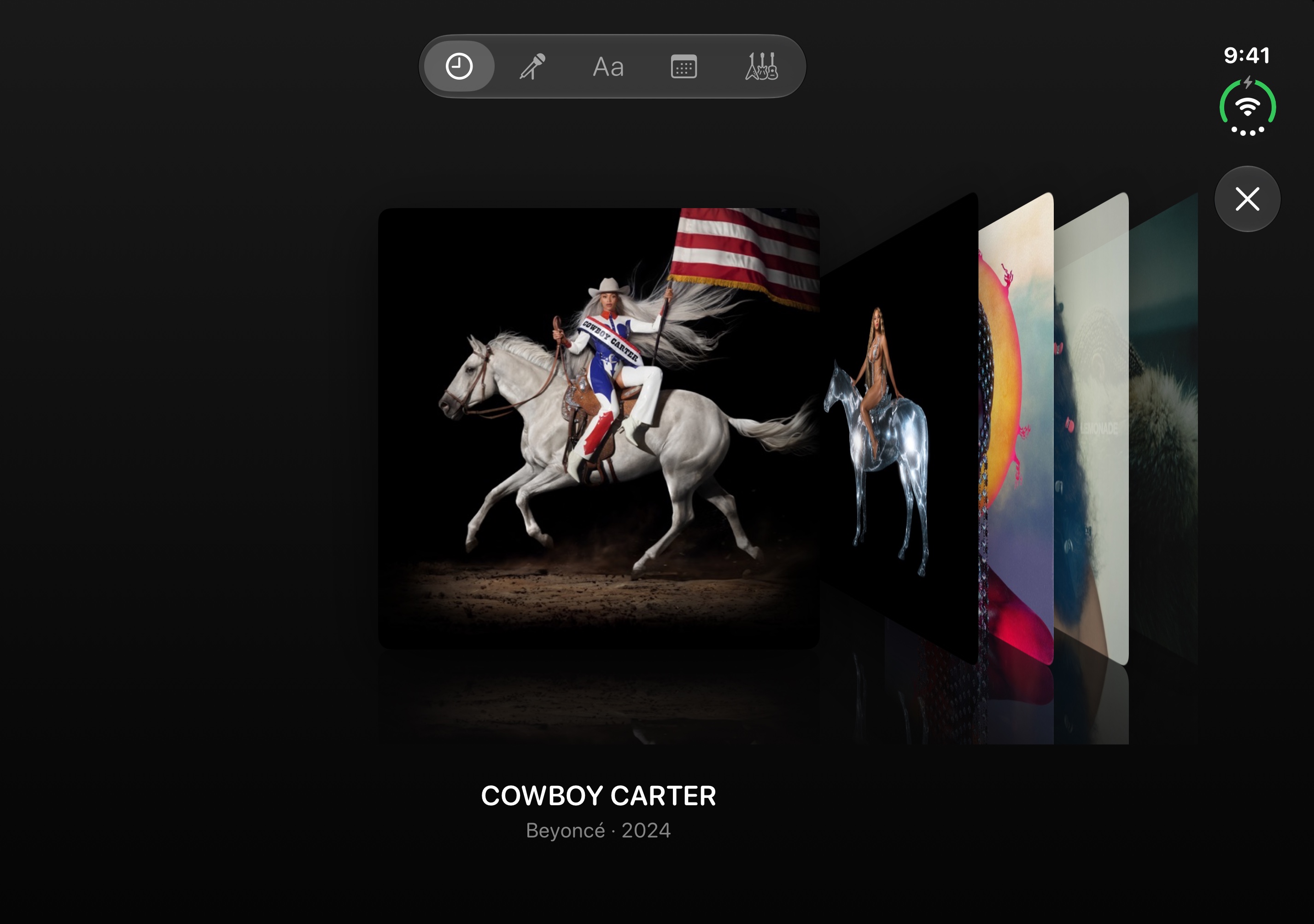
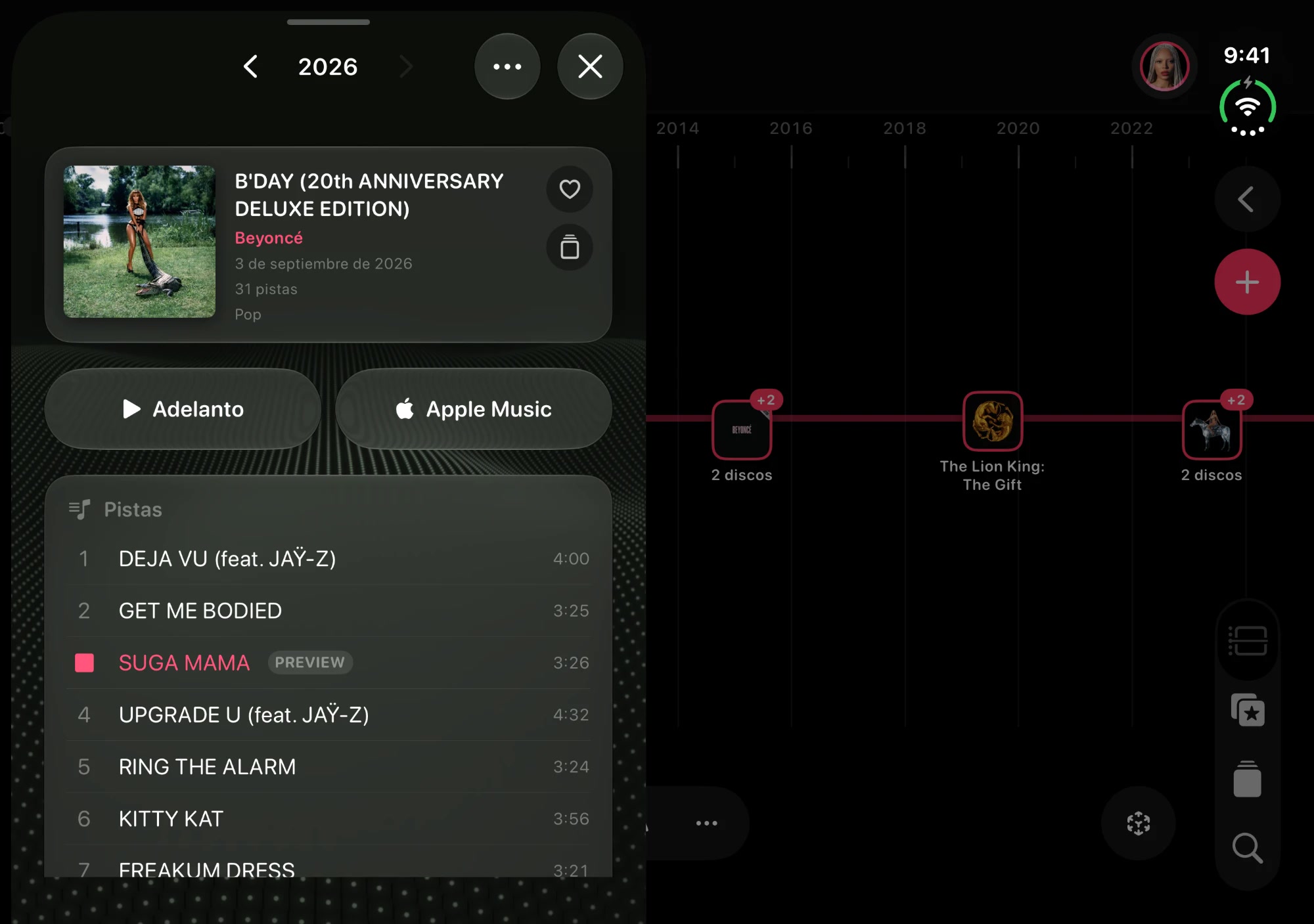
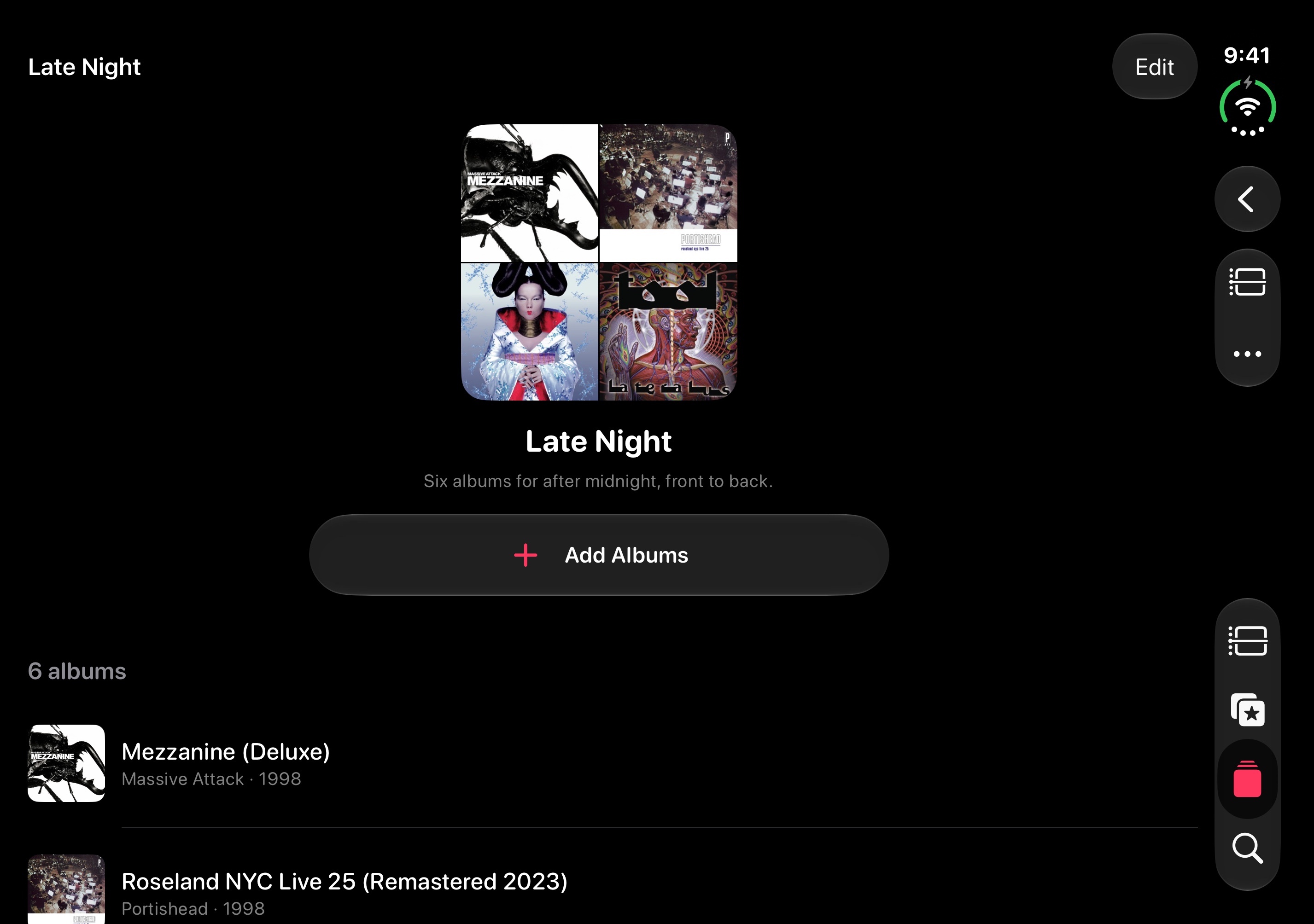
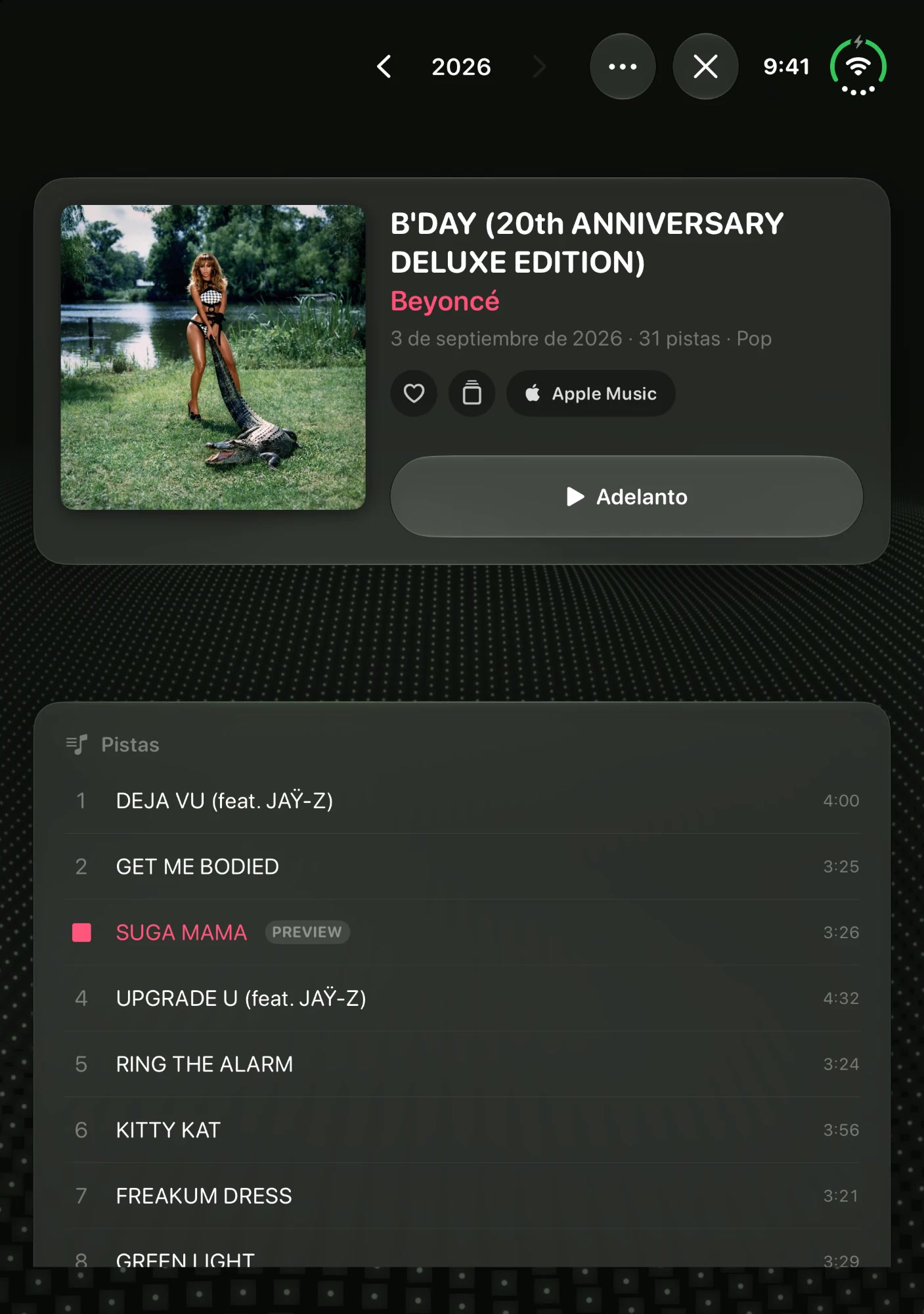
The real app in its demo mode, captured at native size in each language. The lens sits on the control the app measured; the headlines are the landing’s. Numbered frames export at Apple’s exact size. Nothing here is uploaded.
Status
45 of 45 frames ready
Per device and language. A frame is ready when its still is in measure and approved; the rest says who it waits for.
1320 × 2868 · 1206 × 2622 · 1320×2868, 1290×2796 o 1260×2736 · 10 to export
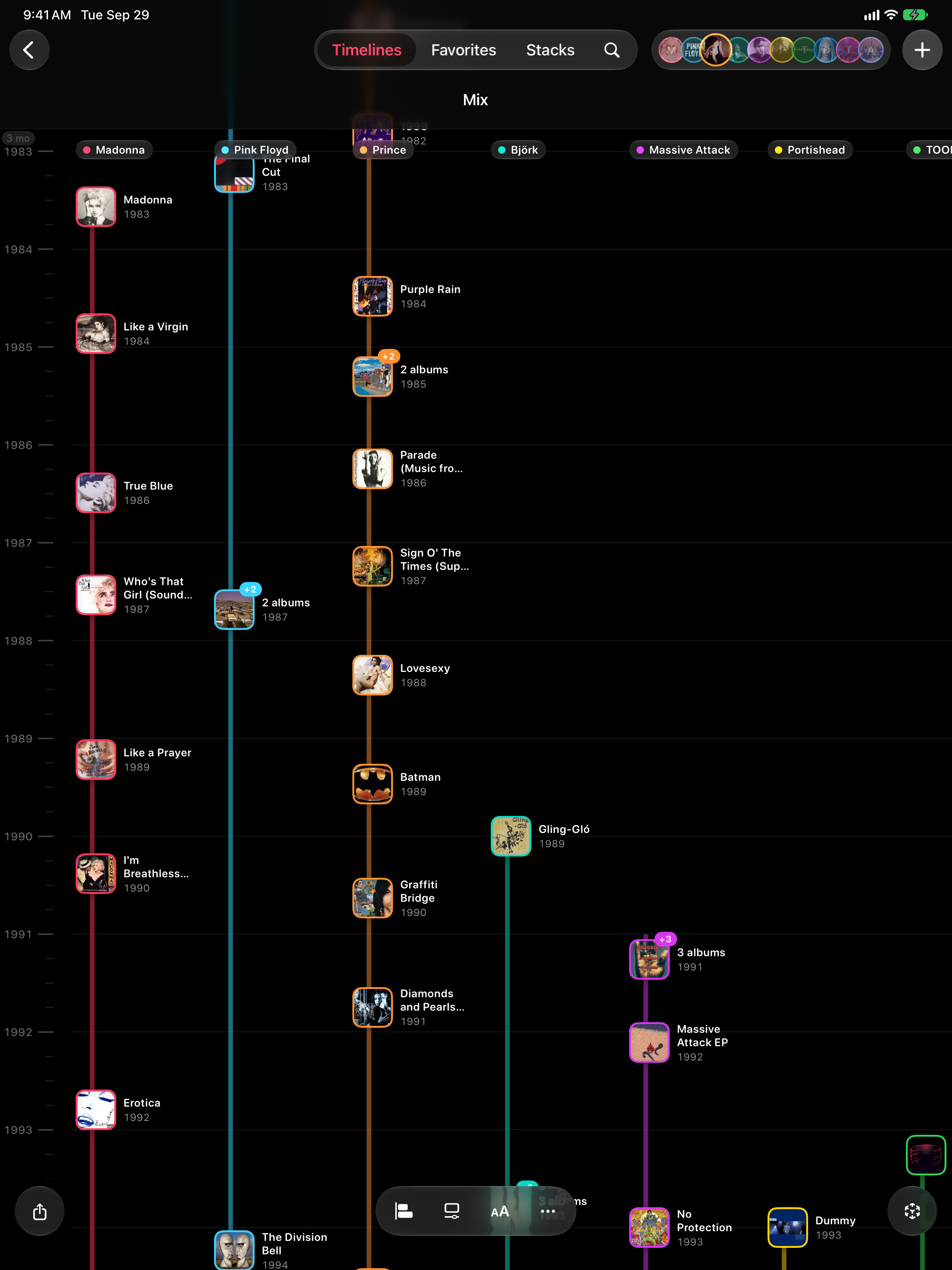
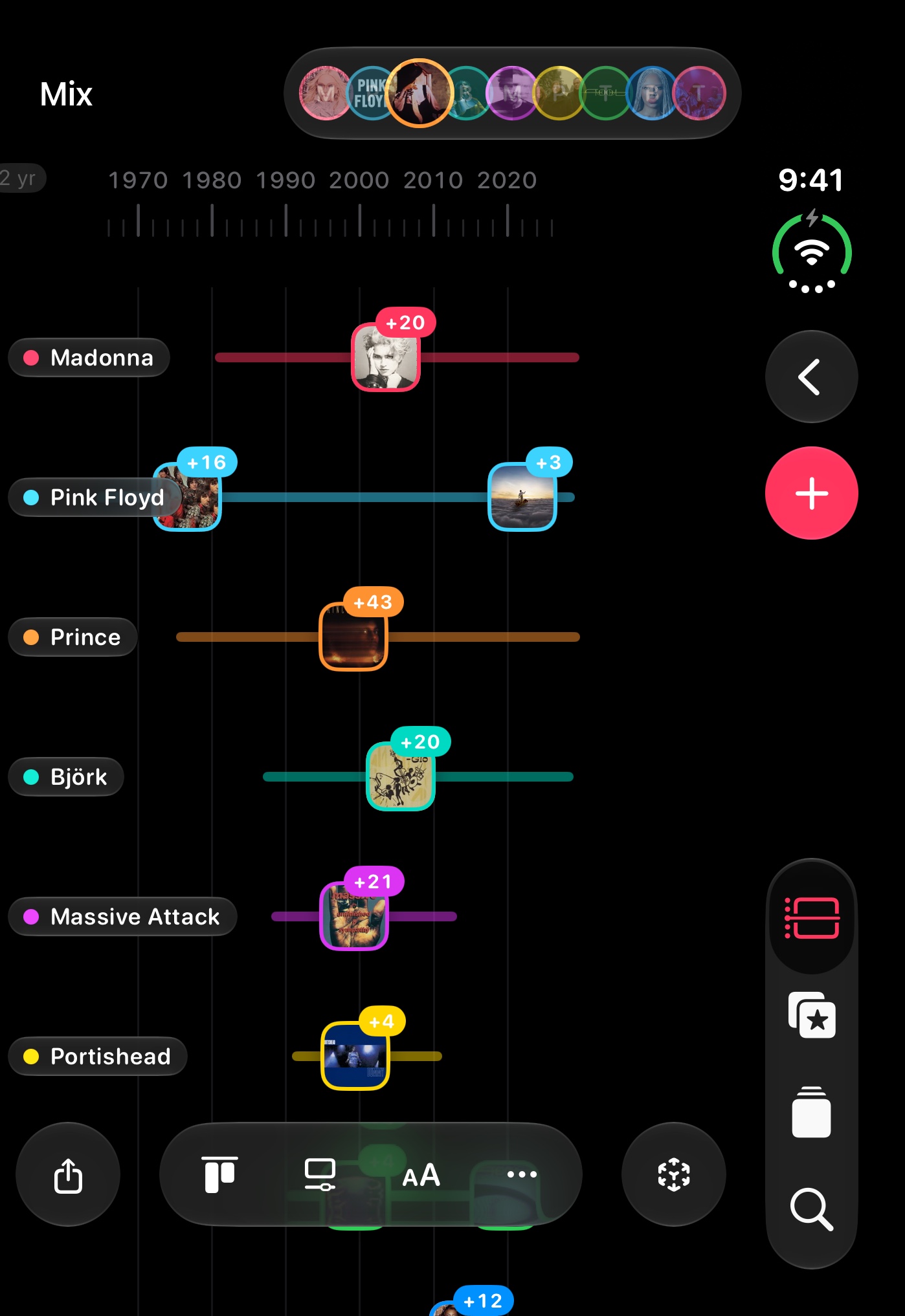
iPhone 18 Pro Max simulator, set mix, dark, 9:41. The first three show in search without scrolling: the thesis, the tour, favorites. 08 is the Live Activity over the large widget, from JC’s real iPhone. The store takes ten: 11 is the A/B variant of 10.
iphone-6.9 1320×2868 · Dynamic Island, large display. Optional. iphone-6.3 1206×2622 · Dynamic Island, medium display. The one Apple requires: the same frame, rescaled.
/appstore/iphone/en/cover-carousel.jpg · 1320×2868 · in measure
No lens: the 3D is the hook. Madonna fills 03 and 05: ask Xcode for these two with another set (beyhive, the landing’s default) so she is not the face of the whole sequence.
/appstore/iphone/en/live-activity.jpg · 1206×2622 · in measure
JC’s screen recording on a real iPhone (1206×2622, the 6.3″ size Apple requires; scaled up for 6.9″), with the dock of other apps removed. Both halves of the headline in one shot: the large widget and the Live Activity. The interface is in English: the Spanish set needs it again with the iPhone in Spanish.
Widgets
Your timelines and favorites, right on your Home Screen
widgets
/appstore/iphone/en/widgets-inicio.jpg · 1206×2622 · in measure
Alternative for 08 (review only): the widget alone, without the Live Activity.
Widgets
Widgets on your Home Screen. Live Activities in the Dynamic Island
widgets
/appstore/iphone/en/widgets-galeria-pared.jpg · 1206×2622 · in measure
Alternative for 08 (review only): the gallery with Favorites Wall. More stills from the same recordings in the inventory: widgets-galeria-timeline, -fijado, -pared-claro, widgets-inicio-bjork, -tool.
All your devices
On your iPhone, iPad, Mac, Apple Watch, and Apple TV
No ads · No tracking · Your library in your iCloud
Composed here from the store stills. No price in the frame: “one purchase” goes in the promotional text.
AR
Put the timeline in your room
ar
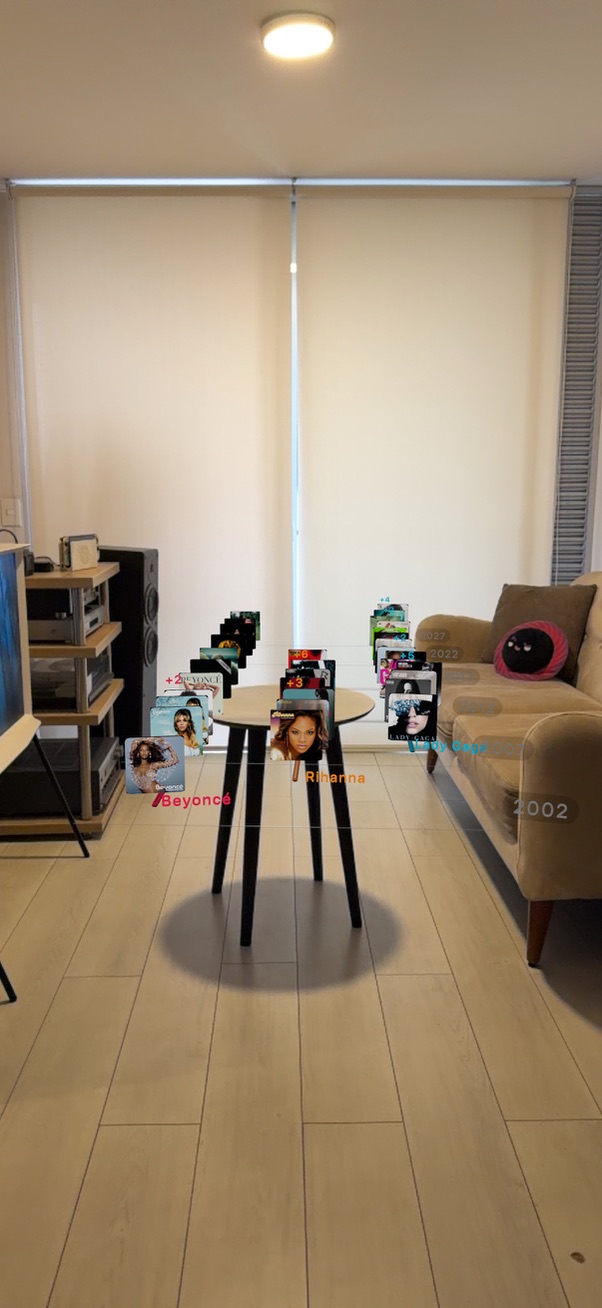
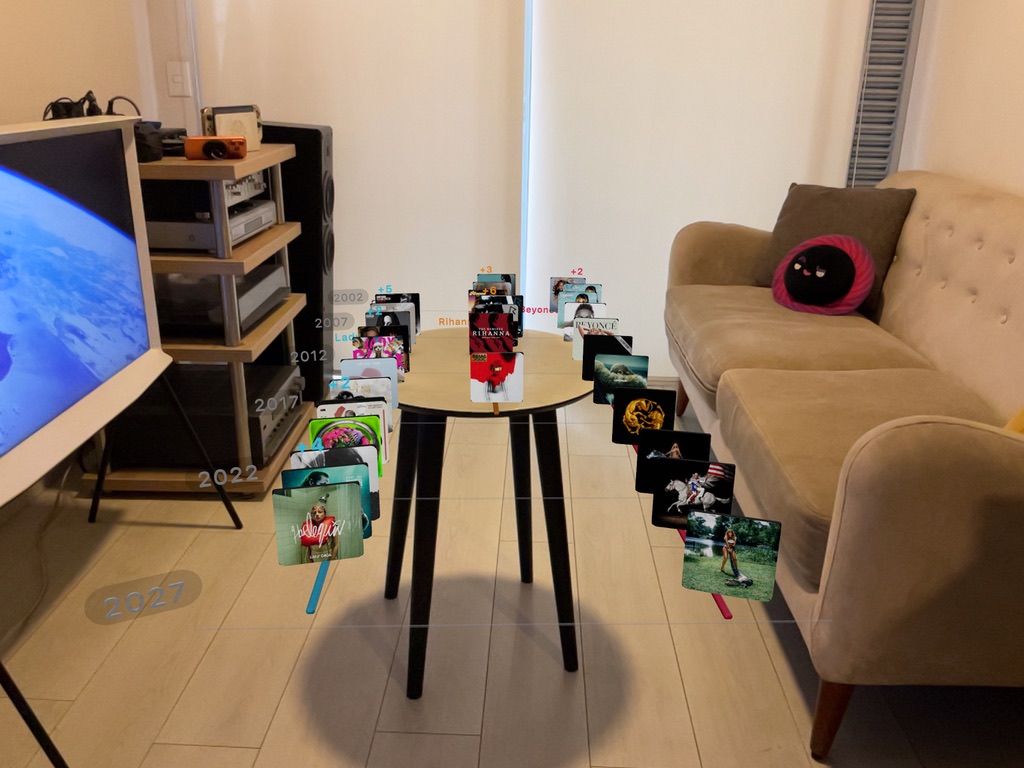
/appstore/iphone/es/ar.jpg · 602×1308 · in measure
Review only: the original photo, as shot. You chose the records on the wall (10) for the store on October 12; this one stays as the A/B variant (Product Page Optimization). The Lima, Barranco and window tests are out; the files stay in incoming-assets/appstore/ar.
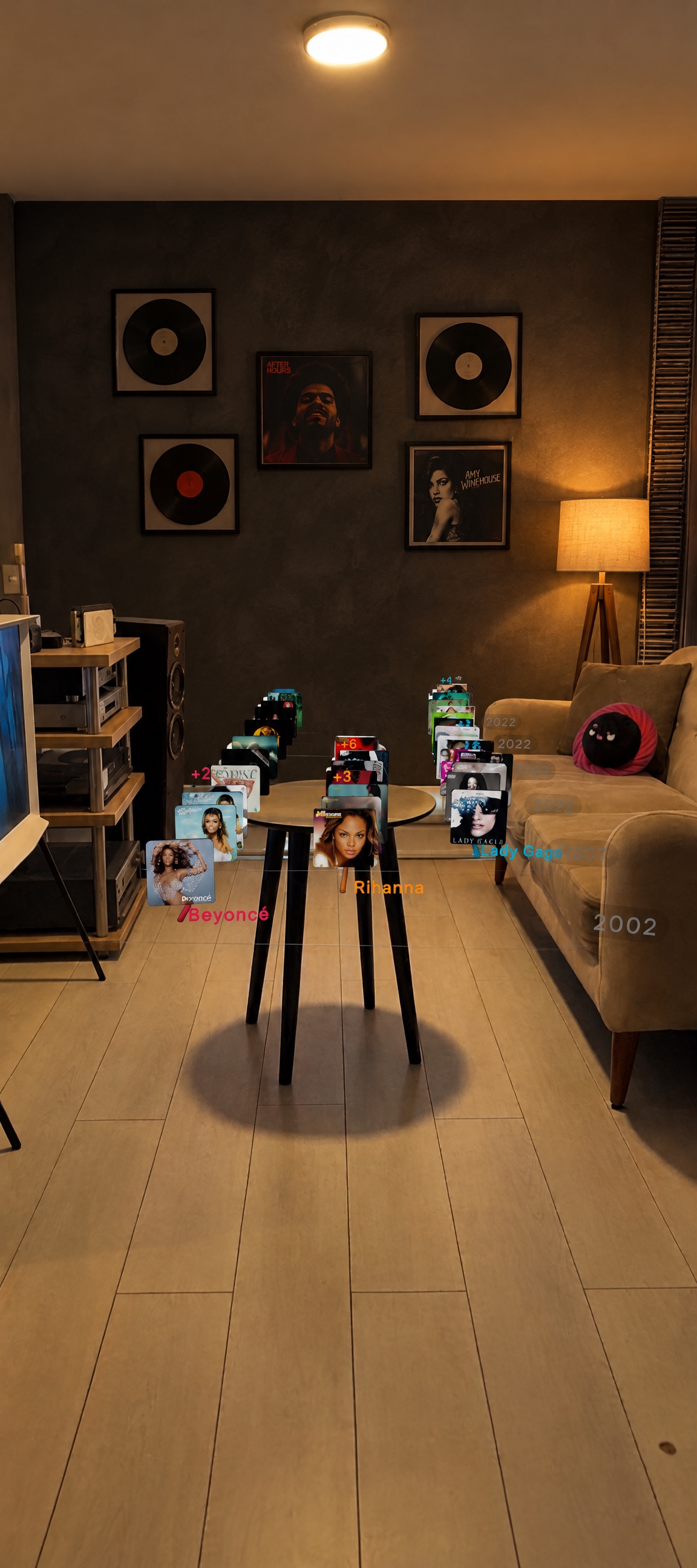
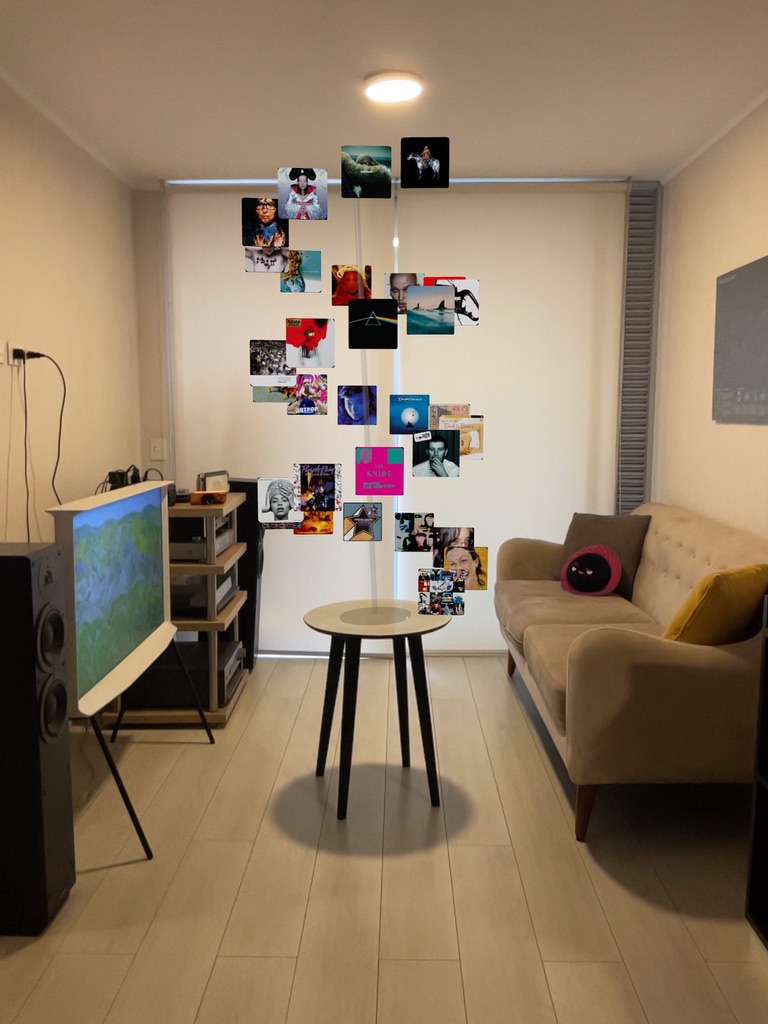
/appstore/iphone/es/ar-vinilos.jpg · 1152×2592 · in measure
Your pick for the store (October 12): the records on the wall (Higgsfield, GPT Image 2.5 over the same photo). The framed covers are invented art of real artists.
iPad 13″ · landscape
iPad 13″
2752 × 2064 · 2752×2064 o 2732×2048 · 10 to export
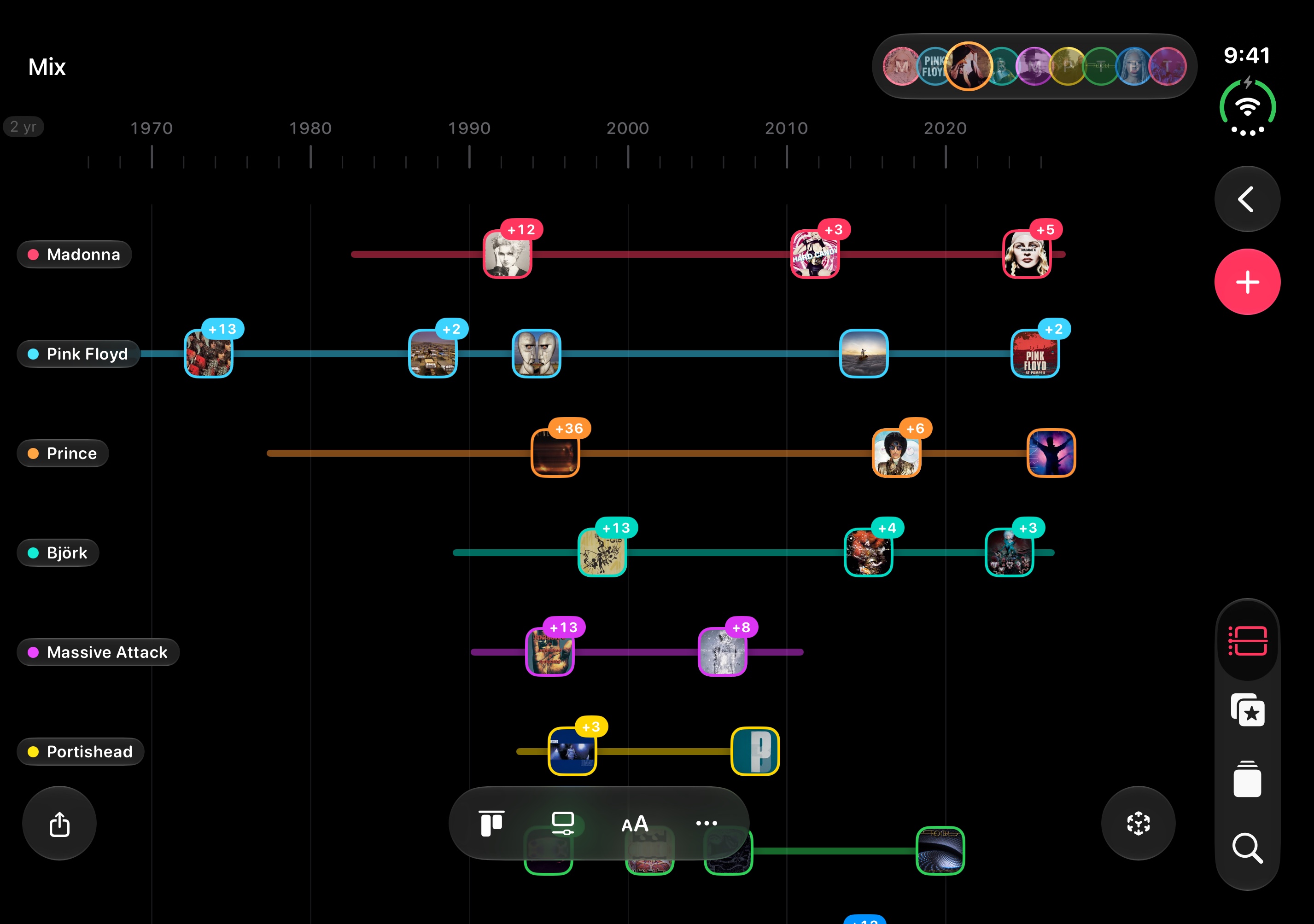
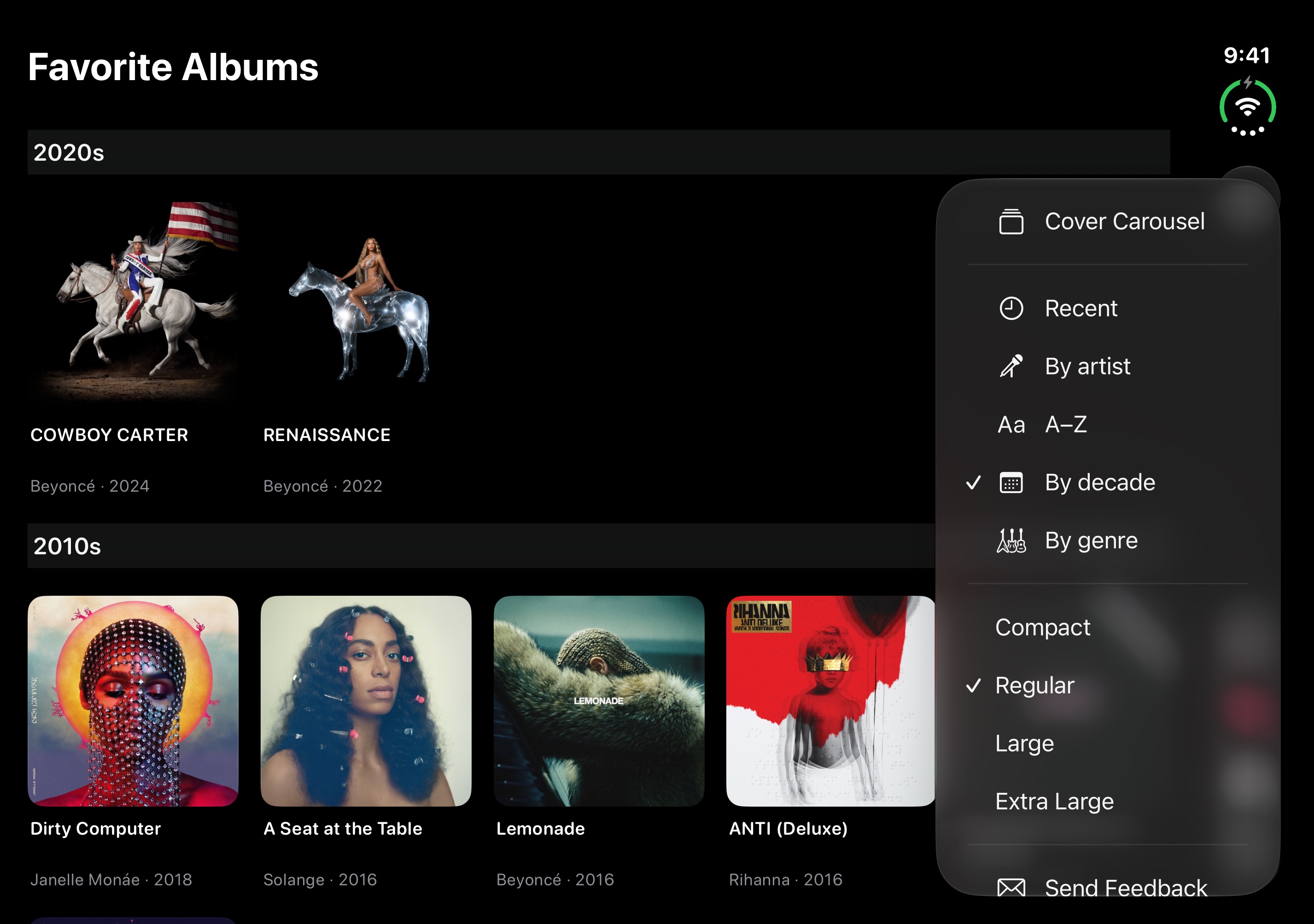
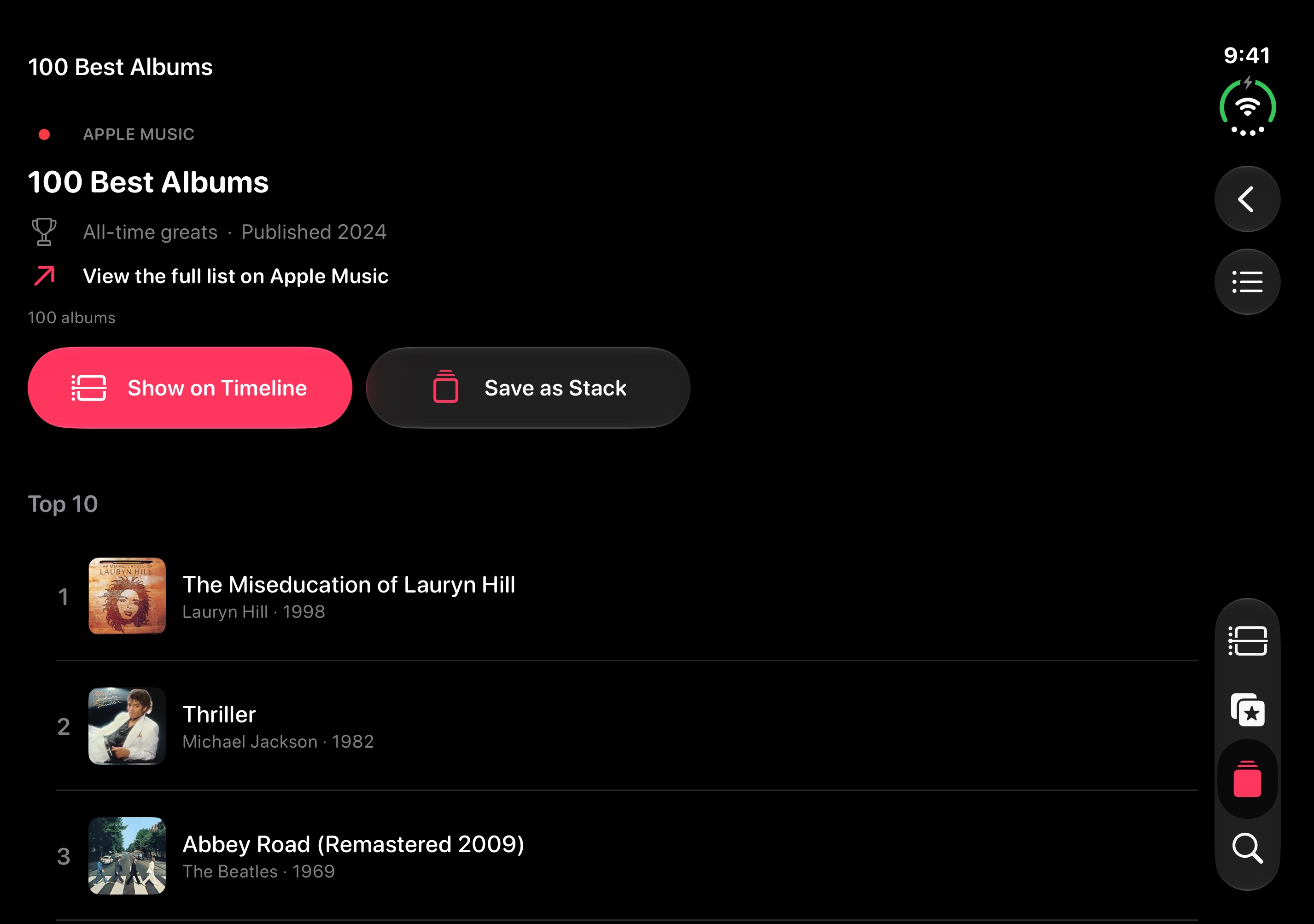
iPad Pro 13-inch (M5) simulator, landscape: the timeline breathes across the width.
/appstore/mac/en/asistentes.jpg · 2880×1800 · in measure
Two zooms of the same capture instead of a lens on a toggle: what Claude and Codex can do with your library, and the setting that keeps it safe (create, never delete; everything stays on the Mac). Labels from the landing (Stacks › Ask AI). Brands stay inside the screen, not in the headline.
/appstore/mac/en/cover-carousel.jpg · 2880×1800 · in measure
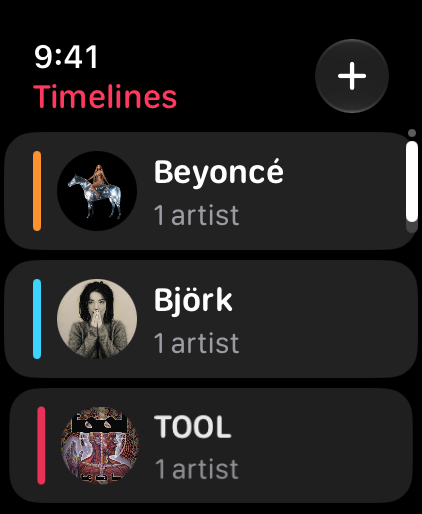
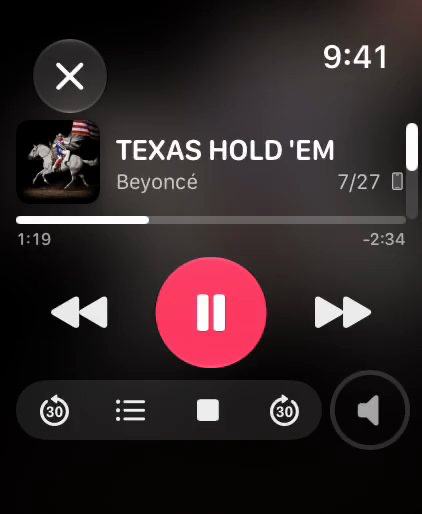
Apple Watch · portrait
No headline
422 × 514 · 422×514 · 4 to export
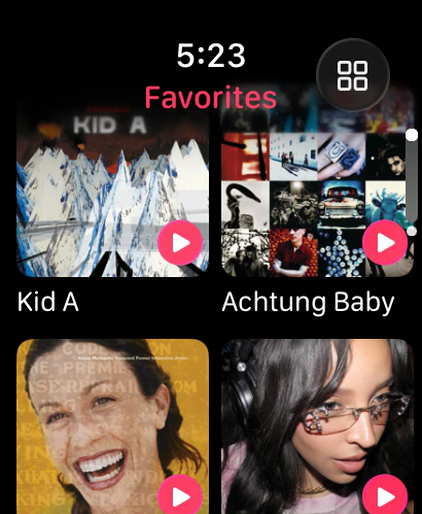
The screen alone, no band. 02 and 04 are JC’s takes from a real Watch (410×502, scaled to 422×514); their interface is in English, so the Spanish set needs them again with the Watch in Spanish.
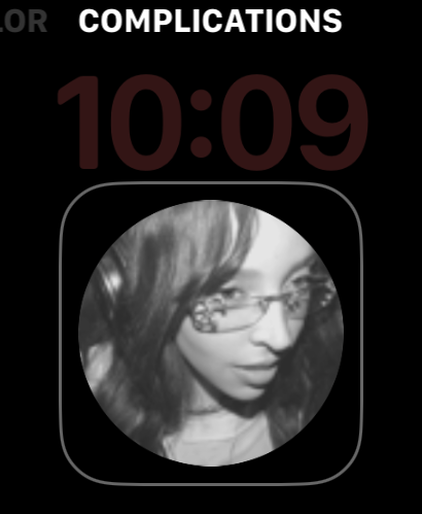
/appstore/watch/en/watch-complicacion.png · 422×514 · in measure
JC’s take on the face editor (the “Complications” label and the frame are the system’s). A clean face without the editor would read better; this one is real and works.
watch-complicacion-elegir
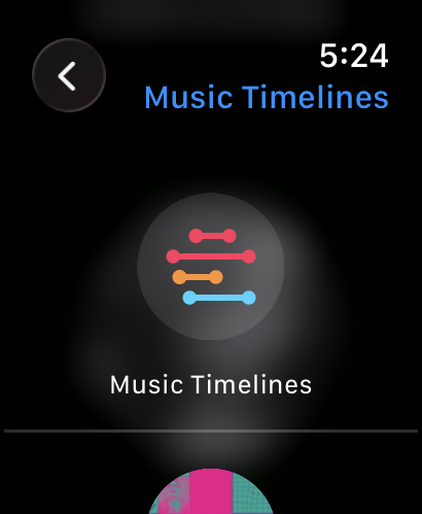
/appstore/watch/en/watch-complicacion-elegir.png · 422×514 · in measure
Alternative for 04 (review only): the complication picker with the app’s mark.
Apple TV · landscape
No headline
3840 × 2160 · 3840×2160 o 1920×1080 · 5 to export
Apple TV 4K simulator. The screen alone, no band. 04 is really playing the 30-second preview.
/appstore/tv/en/tv-lista-curada.png · 3840×2160 · in measure
The 1.0 store take. The right half stays empty: the tvOS detail only lists. Covers on the right are an app fix for a later version.
iPhone Duo · open · landscape
iPhone Duo, open
2853 × 2007 · 2853×2007 · 7 to export
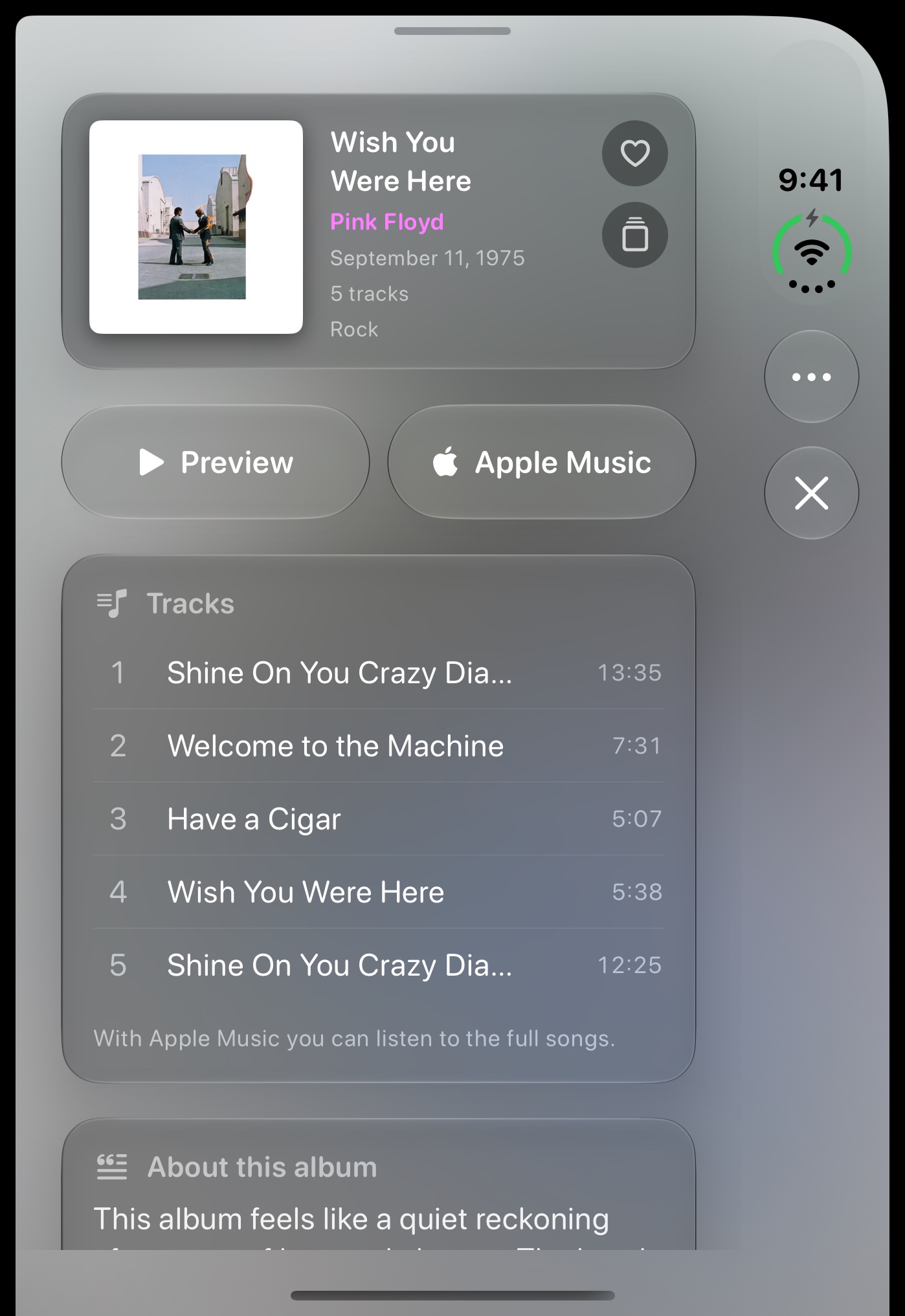
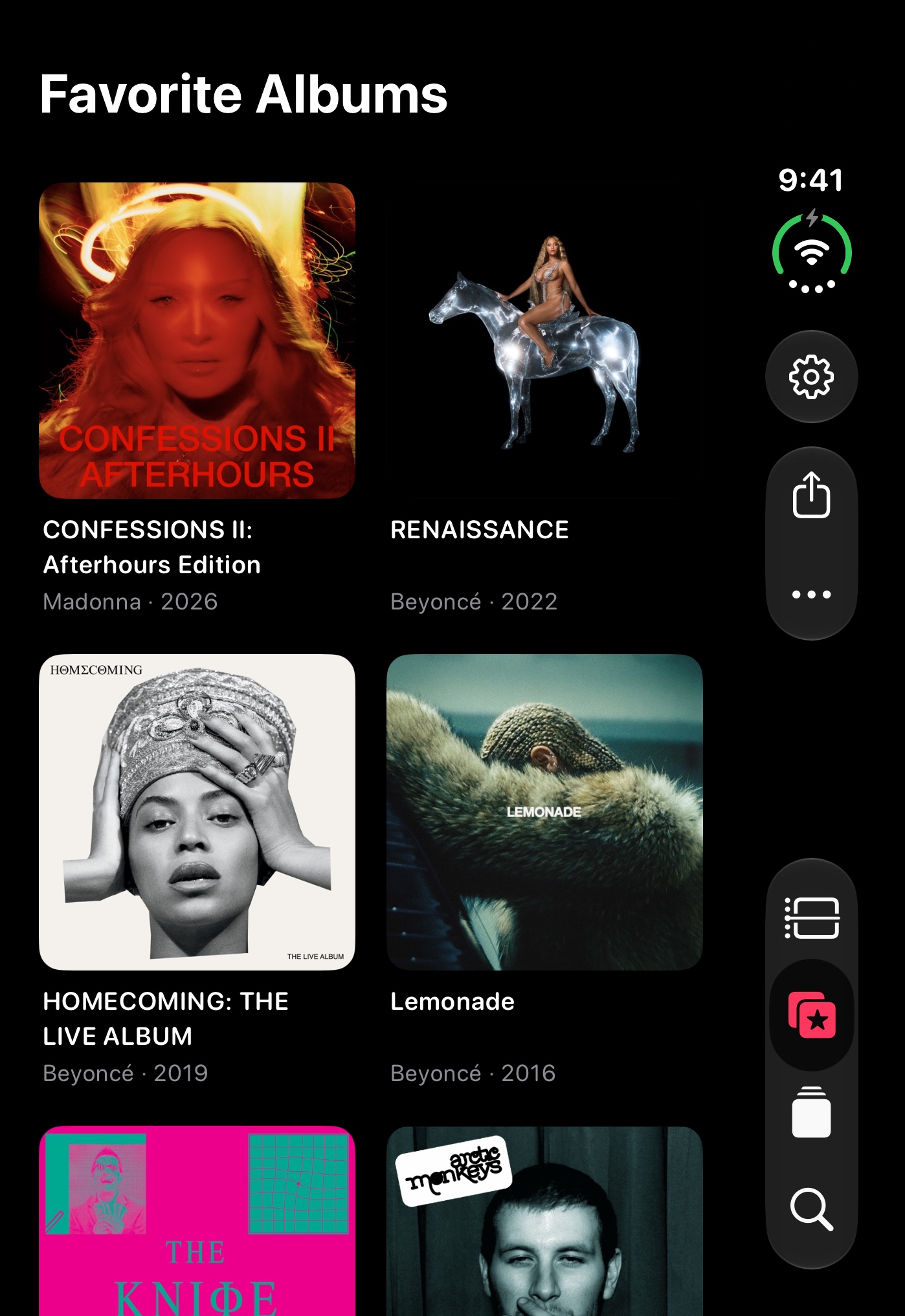
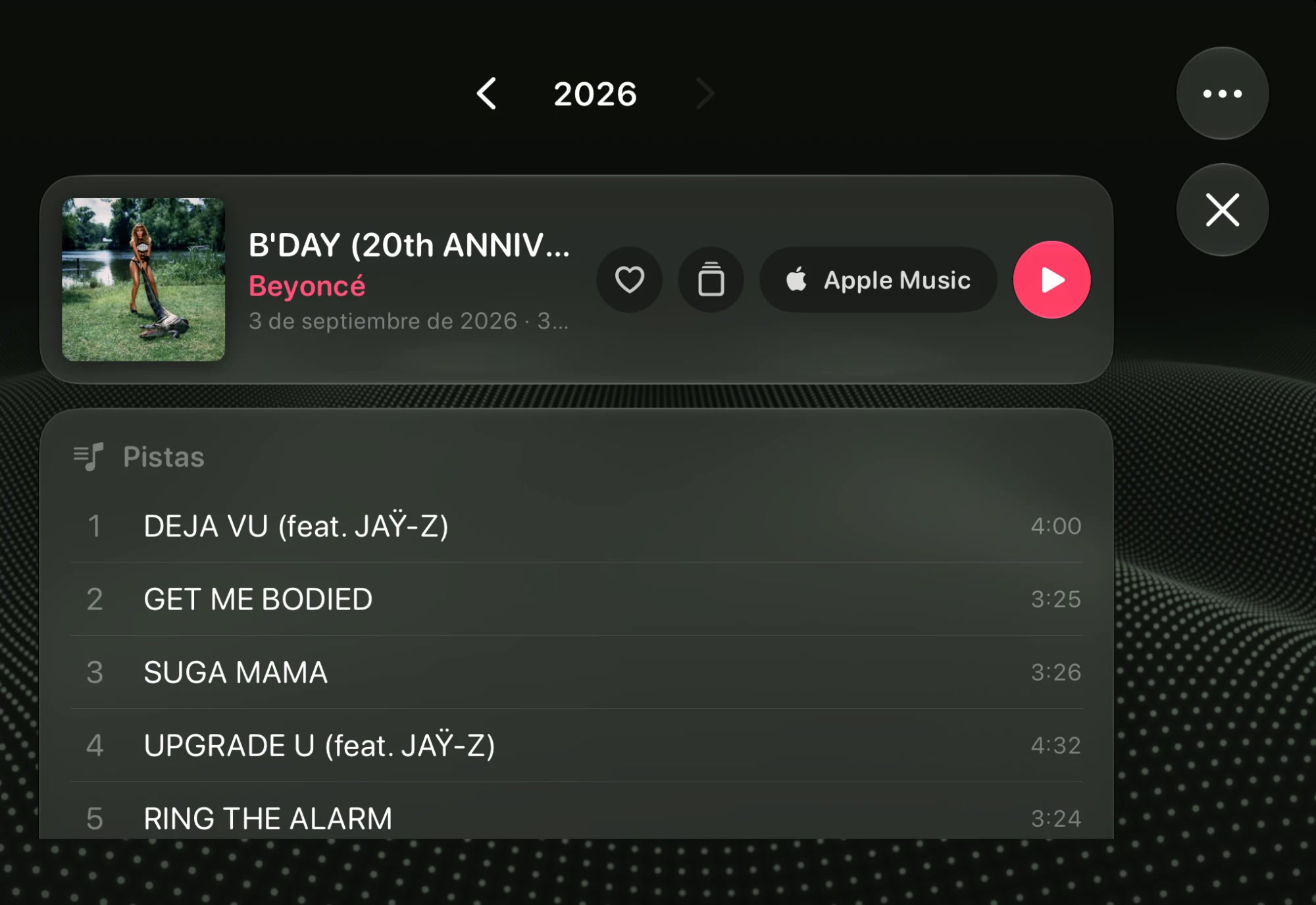
The Duo ships October 23. Xcode 27.1 simulator, open flat, 9:41; favorites and Cover Carousel with the beyhive set. Apple’s official bezel (Apple Design Resources, Night Sky; Star White in light).
In the store, 10 in this order, same in both languages: open 1–7, half-open 8, closed 9, closed on its side 10. The other two closed frames stay as landing material.
/appstore/duo-interior/es/ficha-lado.jpg · 2853×2007 · in measure
The open Duo keeps the timeline beside the card. JC’s take from the simulator (chat copy, Spanish UI): exports soft and in Spanish until Xcode captures it native in EN and ES.
Stacks
Ask AI on your Mac for a stack of albums
Asked on the Mac“Make me a stack for a long night drive”
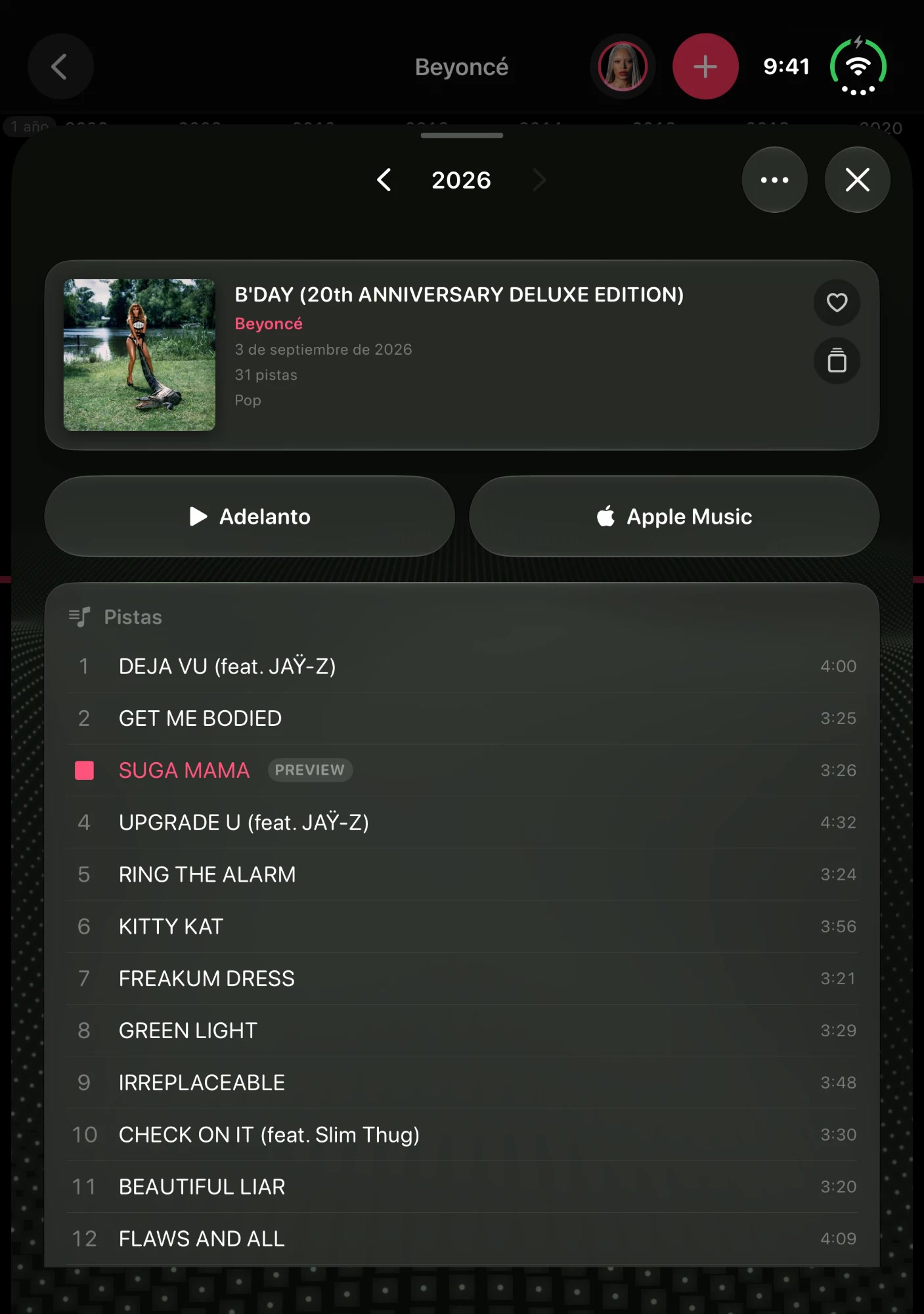
How the app adapts when the Duo stands half-open or is held open upright. Apple’s official bezel (Inner Open Portrait).
In the store, 10 in this order, same in both languages: open 1–7, half-open 8, closed 9, closed on its side 10. The other two closed frames stay as landing material.
/appstore/duo-interior-vertical/es/ficha.jpg · 2007×2853 · in measure
The card sits above the fold and the tracks below it. JC’s take from the simulator (chat copy, Spanish UI): exports soft and in Spanish until Xcode captures it native in EN and ES.
Now Playing
One tap to play
ficha
/appstore/duo-interior-vertical/es/ficha-abierto.jpg · 2007×2853 · in measure
Alternative for 01 (review only): open flat instead of half-open. JC’s take from the simulator (chat copy, Spanish UI): exports soft and in Spanish until Xcode captures it native in EN and ES.
iPhone Duo · closed · portrait
iPhone Duo, closed
1398 × 2034 · 1398×2034 · 1 to export
What you use with the phone closed. Apple’s official bezel.
In the store, 10 in this order, same in both languages: open 1–7, half-open 8, closed 9, closed on its side 10. The other two closed frames stay as landing material.
The closed Duo turned sideways: the card lays out in one row. Apple’s official bezel (Outer Closed Landscape).
In the store, 10 in this order, same in both languages: open 1–7, half-open 8, closed 9, closed on its side 10. The other two closed frames stay as landing material.
/appstore/duo-exterior-horizontal/es/ficha.jpg · 2034×1398 · in measure
JC’s take from the simulator (chat copy, Spanish UI): exports soft and in Spanish until Xcode captures it native in EN and ES.
App Previews
5 videos, one per device. All wait for your OK
One video per device, 15 to 30 seconds, silent, H.264 at 30 fps, rendered with HyperFrames in the Apple Music promo style (videos/preview-<device>). They show before the screenshots. Once you OK one, its full file goes from the app repo, docs/asc/previews/…_02.mp4, to App Store Connect. Poster: the frame at second 5.
iPhoneWaiting for your OK
886×1920 · 28 s
Replaces the one uploaded with 1.0.
Storyboard 28 s · 886×1920
0–2.6 sThe thesis in three hard cuts, then a pink flash.The story / of your artists, / on a timeline
2.9–7.2 sThe recording edge to edge, then it pulls back into the floating iPhone.Scroll it, zoom it, tap it, play it
7.2–10.6 sTeal card “Tap an album.” → the card opening (beyhive set).One tap to play
10.6–15.3 sWhite card “All your favorites (not just six pinned).” → the grid → Cover Carousel edge to edge.
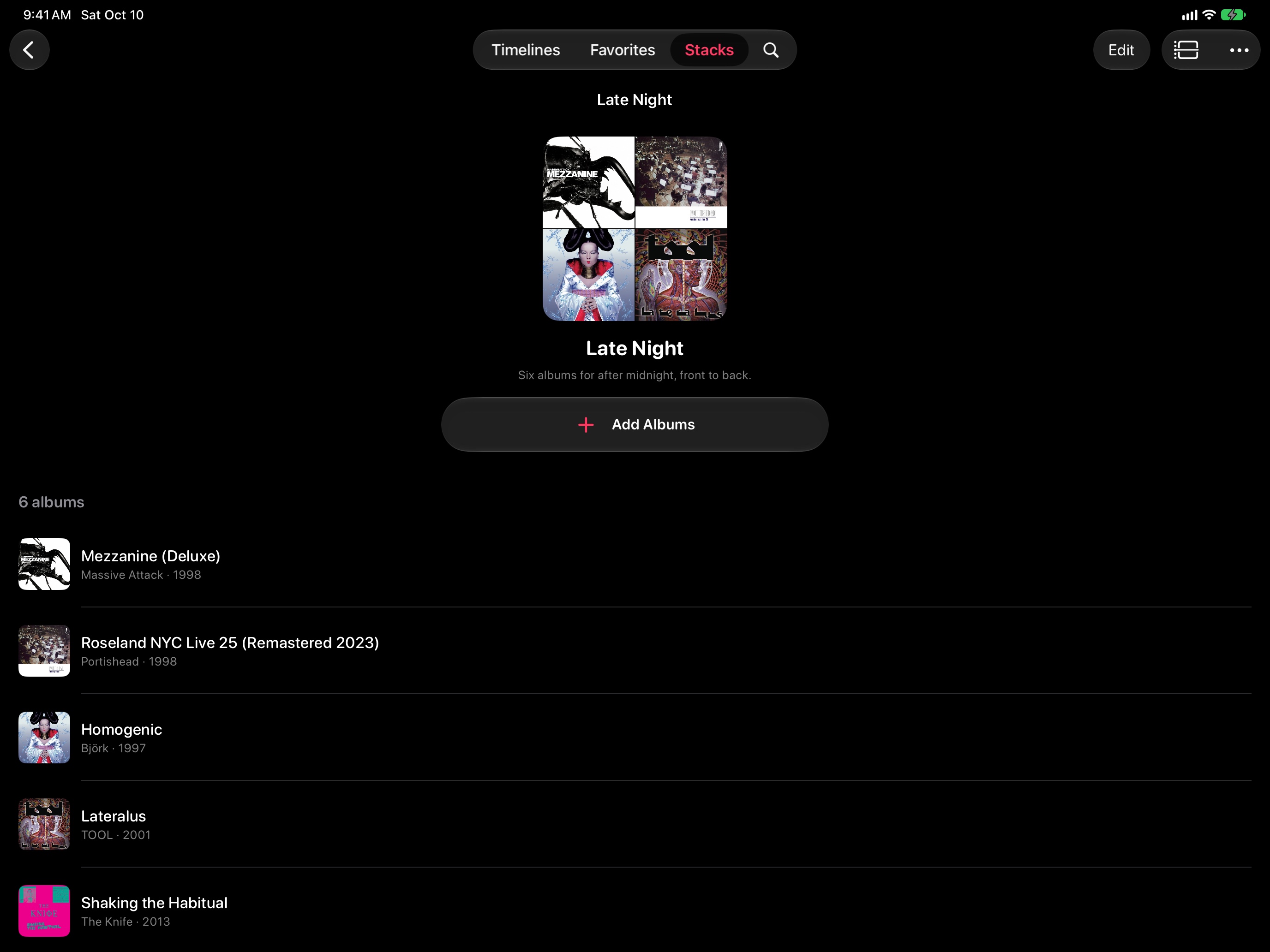
15.3–18.4 sOrange card “Whole albums. In your order.” → the Late Night stack.Stacks
18.4–21.4 sBlue card “The great lists.” → 100 Best Albums.Show on Timeline
21.4–24.6 siPhone, iPad, Mac, Apple Watch, Apple TV, 0.64 s each.
24.6–26.6 sThe AR photo with a slow push.Put the timeline in your room
26.6–28 sWhite card with the icon and the name. No price.
iPadWaiting for your OK
1600×1200 · 28 s
Replaces the one uploaded with 1.0 (that one was upright; this one lies on its side, like the iPad screenshots).
Storyboard 28 s · 1600×1200
0–2.6 sThe thesis in three hard cuts, then a pink flash.The story / of your artists, / on a timeline
2.9–7.2 sThe tour edge to edge, pulls back to the iPad, cuts to landscape and zoomed in.Scroll it, zoom it, tap it, play it
7.2–10.6 sTeal card “Tap an album.” → the card with its note.One tap to play
10.6–15.3 sWhite card “All your favorites.” → the wall by decade → Cover Carousel on the iPad standing up.
15.3–18.4 sOrange card “Whole albums. In your order.” → the Late Night stack.Stacks
18.4–21.4 sBlue card “The great lists.” → 100 Best Albums.Show on Timeline
21.4–24.6 sPink card → searching Beyoncé and Rihanna’s lane.Add an artist
24.6–26.6 sThe AR photo with a push.Put the timeline in your room
26.6–28 sWhite card with the icon and the name. No price.
Apple TVWaiting for your OK
1920×1080 · 26 s
Replaces the one uploaded with 1.0.
Storyboard 26 s · 1920×1080
0–2.6 sThe thesis in three hard cuts, then a pink flash.The story / of your artists, / on a timeline
2.9–7.2 sThe Mix timeline edge to edge, cut to the pinch and the ’90s. No bezel: on TV the screen is the frame.Scroll it, zoom it, tap it, play it
7.2–10.6 sTeal card → Homogenic opening → Wish You Were Here playing.One tap to play
10.6–15.3 sWhite card → the wall → Cover Carousel spinning.
15.3–18.4 sOrange card “Whole albums. In your order.” → the Late Night stack.Stacks
18.4–21.4 sBlue card “The great lists.” → 100 Best Albums.Show on Timeline
21.4–24.6 sEight sets, 0.4 s each, and the thesis again (the TV has no AR).
24.6–26 sWhite card with the icon and the name. No price.
MacWaiting for your OK
1920×1080 · 26 s
The Mac’s first one: 1.0 went out without it.
Storyboard 26 s · 1920×1080
0–2.6 sThe thesis in three hard cuts, then a pink flash.The story / of your artists, / on a timeline
2.9–7.4 sThe window edge to edge, pulls back, cuts to landscape and zoomed in.Scroll it, zoom it, tap it, play it
7.4–11 sTeal card → search and Beyoncé · Rihanna.Add an artist
11–15.4 sWhite card “Ask AI on your Mac for a stack of albums” → AI Assistants edge to edge.
15.4–18.7 sBlue card “The great lists.” → 100 Best Albums.Show on Timeline
18.7–21.8 sOrange card → the desktop, closing in on the player.The Mini Player
21.8–24 sPink flash → Cover Carousel edge to edge.Cover Carousel
24–26 sWhite card with the icon and the name. No price.
iPhone DuoWaiting for your OK
1920×886 · 25 s
Its first one. App Store Connect takes one App Preview for the Duo, at 1920×886 or 886×1920, the same as the iPhone (Tim Apple confirmed it on October 11).
Storyboard 25 s · 1920×886
0–2.6 sThe thesis in three hard cuts, then a pink flash.The story / of your artists, / on a timeline
2.9–6.4 sThe closed Duo floating, the timeline on the outer display.Every album. Every year.
6.4–11 sIt opens like a book: four lanes side by side, then the screen fills the frame on a zoomed timeline.Open it. The timeline grows
11–18 sWhite cards “All your favorites (not just six pinned).” → the wall by decade → Cover Carousel (in Spanish, then the B’Day card beside the timeline).
18–23.4 sIt folds: the card keeps playing on the outer display, then back to the closed timeline for the loop.One tap to play
23.4–25.4 sWhite card with the icon and the name. No price.
iOS 27
The header and the search asset
Two new spaces since October 5, only on iOS and iPadOS 27. The search asset replaces the three screenshots in results, so the first-three rule moves here. Both are composed below from the same stills and export with the frames.
Product page header 21:9 · 3840×1646 · image, or video of 5 to 30 s
The first thing on the product page, above the icon and the name. Composed here from the store stills; the video is rendered with HyperFrames from the same captures.
VideoNot used: the image goes
Option B in motion, made from the landing’s hero: the row of devices slides past one at a time, then the camera pulls back until the app is on every display at once, and returns to the start so it loops. Apple’s bezels, real captures, 3840×1646. Rendered with HyperFrames (videos/header-ios27).
Music Timelines
The story of your artists, on a timeline
Any Apple Music artist, on a line of years. Scroll it, zoom it, tap it, play it.
The thesis on the left with the mark; the Mac timeline big, running off the right edge, the iPhone in front. The claim reads first, the product fills the rest.
The timeline itself, edge to edge: the Apple TV capture at 4K cropped to 21:9, the thesis centered over a dark gradient. The lanes and the covers are the banner. The real interface, so the covers are fine (4.5.2).
Same layout as C with the timeline zoomed into one decade: large covers, one per year, the app the way you use it. Built from the iPad portrait take, so it upscales; a landscape zoom from Mac or TV is in the Xcode brief.
Search result asset 3:2 · 1920×1280 to 3840×2560 · image, or muted looping video
In iOS 27 this replaces the three screenshots in search results, so it carries the thesis and the timeline with its lens.
VideoNot used: the image goes
The same move at 3:2, centered so nothing important gets cropped: one device at a time, then all of them under the thesis, muted and looping. 3840×2560. Rendered with HyperFrames (videos/busqueda-ios27).
Music Timelines
The story of your artists, on a timeline
Any Apple Music artist, on a line of years. Scroll it, zoom it, tap it, play it.
The giant iPhone, cropped top and bottom, the screen almost edge to edge with the lens on + and the label. The one that reads as the product at thumbnail size.
The other 2 image options
Explore
Their whole story on one timeline
Every album of your favorite artists, on a timeline you can hear
The thesis with the mark and two iPhones: the timeline with the lens in front, the Late Night stack behind. More app in the frame.
What Apple asks
Header: one clear idea, designed for a first-time visitor; it expresses the brand and sets the tone. The icon, the name and the Get button sit right under it, so repeating them is redundant (Apple says so for In-App Events; for the header it is an analogy).
Search asset: “state the obvious”, show the interface. It replaces the three screenshots in results and is muted, looping, 3:2.
Keep the focal point in the center: Apple crops the sides on narrow devices and publishes no numbers, only Figma, Photoshop and Sketch templates.
Cover art only inside the real interface (guideline 4.5.2): a collage of covers as brand art needs rights.
Backgrounds: the vinyl texture under the halo is Higgsfield (two candidates in public/appstore/fondos; it pans across the sequence). The store never accepts generated UI.
Web
The share image
What WhatsApp, iMessage, X and Slack show when someone sends the link (og:image). Composed below from the same stills; node scripts/exportar-og.mjs writes public/og.jpg.
Music Timelines
The story of your artists, on a timeline
Any Apple Music artist, on a line of years. Scroll it, zoom it, tap it, play it.
1.91:1 · 1200×630, exported at 2400×1260 · JPEG · public/og.jpg
What WhatsApp, iMessage, X and Slack show with the link. The mark, the landing’s thesis and the timeline on the iPhone, no lens: it has to say what the app is at a glance.
Experiments
Highlights and tests, not for the store
Feature highlights for socials and the Higgsfield tests. None of this goes into the App Store submission.
Highlight · Ask AI
One feature, one video (videos/highlight-ia): the request typed to Claude, the Mac setting that keeps it safe, the stack landing, and what else you can ask. 1080×1920 · 24 s. The same pattern serves any feature you name.
Video with Higgsfield
Ten clips, 160 credits, six usable
Image-to-video from the exported creatives and text-to-video for socials, one attempt per job, five models compared. Muted, compressed review copies; the originals and the exact prompts are in incoming-assets/higgsfield/LEEME.md. Lesson: MiniMax H3 (10 credits) keeps a static interface far better than FLUX 3 at 720p (27.5); every image-to-video model follows the source’s aspect and ignores the one you ask for.
Intros by niche
Eight intros, 80 credits, one per set
The turntable look (dark room, a practical light, the pink rim light) carried into each niche’s world, to open a social video that then cuts to that set’s timeline. Kling 3.0 Turbo, text-to-video, no cuts inside any clip. Originals and prompts in incoming-assets/higgsfield/intros/LEEME.md.
beyhiveUse
Disco ball, a small horse figurine, rhinestones, a pink neon line. Nearly still; only the reflections move.
swiftiesUse
Beaded bracelets with no letters, a cardigan sleeve, fairy-light bokeh. Very still.
armyUse
Light sticks in a dark arena. Start it at 2.4 s: before that, backs of heads and one dim face are in focus.
urbano-latinoUse
Wet street, palms, a pink lowered car with red underglow, no plate. Bluer dusk light than the turntable.
rock-latinoDiscarded
Blinds, an unlabeled cassette, pink light, but the guitar headstock carries an invented logo from 2 s on. Redo or crop it.
art-rockUse
Spinning reels, a prism throwing a rainbow, mixer knobs. Labels out of focus.
divas-del-popUse
Chrome mic, red velvet, glitter falling in the spotlight. The cleanest.
little-monstersUse
Chrome stiletto, pearls, mirror floor, low smoke. A tiny unreadable stamp on the insole.
Search asset, video version. The interface stays intact at real size, the lens in place, one light sweep; first and last frame almost identical, so it loops clean. The one to use.
Header option B, video version. Soft push-in, real 21:9, headline sharp; the Mac’s small text goes soft and the iPhone’s track list is unreadable. Candidate with a reservation: check at full size.
Header background plate. Clean vinyl background, no text or hands, very subtle motion. Crops to 21:9 with nothing lost; the headline and devices go on top in the workshop.
Socials, intro. The best one: lamp, pink rim light, the tonearm coming down; a hard cut at 2.4 s to a macro of the needle. Use whole, as two shots, or just the first 2.4 s.
Frame 01 floating (socials test). Believable 3D float and readable UI, but it invented an unreadable subtitle under the headline. Not as is.
ar-room-duskDiscarded
Cinema Studio 3.0 · 720p · image-to-video · 720×1280 · 9:16 · 5 s · 25 credits
AR room (socials test). The dolly is too fast and ends on reinvented faces and labels. Discarded; the prompt has to describe the AR scene itself next time.
Before uploading
5 things left before uploading
Everything the submission still needs, grouped by who has to do it.
Watch it and give your OK 5
App Preview · iPhoneReplaces the one uploaded with 1.0. See it
App Preview · iPadReplaces the one uploaded with 1.0 (that one was upright; this one lies on its side, like the iPad screenshots). See it
App Preview · Apple TVReplaces the one uploaded with 1.0. See it
App Preview · MacThe Mac’s first one: 1.0 went out without it. See it
App Preview · iPhone DuoIts first one. App Store Connect takes one App Preview for the Duo, at 1920×886 or 886×1920, the same as the iPhone (Tim Apple confirmed it on October 11). See it