Your stacks
Back to back
New Stack
NameRequired
NoteOptional
Plays its albums back to back, in order.
01 / 07
A name and a note. Unlimited. Add from Favorites or the catalog.
Music Timelines
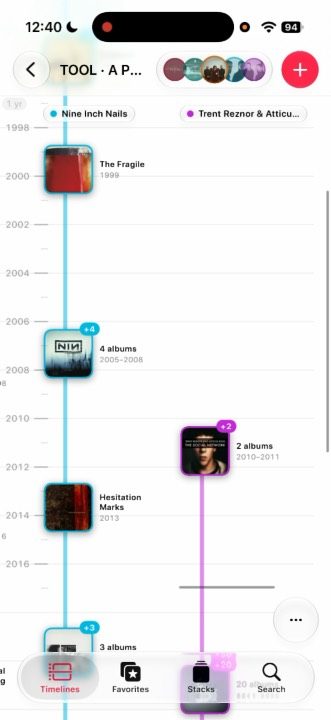
Any Apple Music artist, album by album on a line of years. Tap a cover and it plays.
One purchase · no subscription of our own
The idea
An artist’s career, set in its year, album by album.
Side by side
Up to ten artists, each with a color of its own.
Timelines
The timeline is the recipe — artists, order, and color — not a stored pile of albums.
The plus opens artist search. No screen in between.
The timeline is born when you pick them, and it takes their name.
Artists, order, and color stay. Albums download fresh from Apple Music, so new ones appear on their own.
Each artist takes the first open color. At ten, the plus turns off.
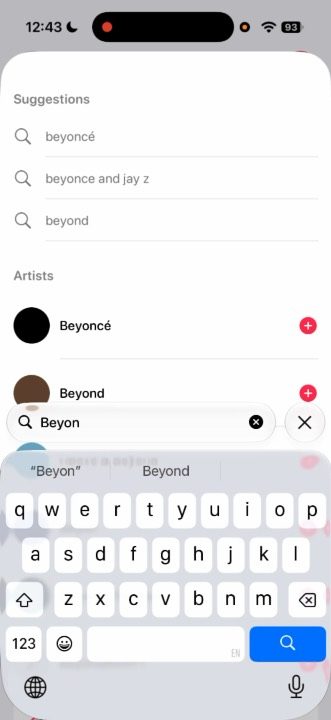
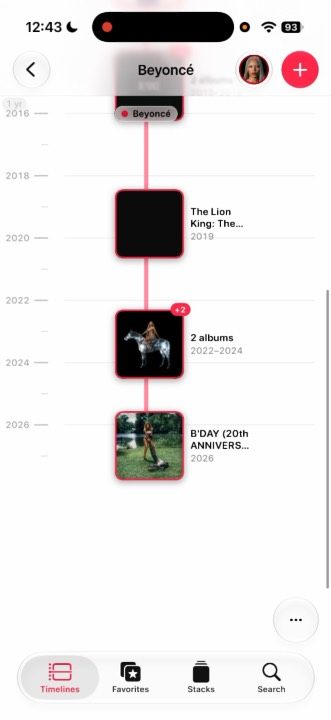
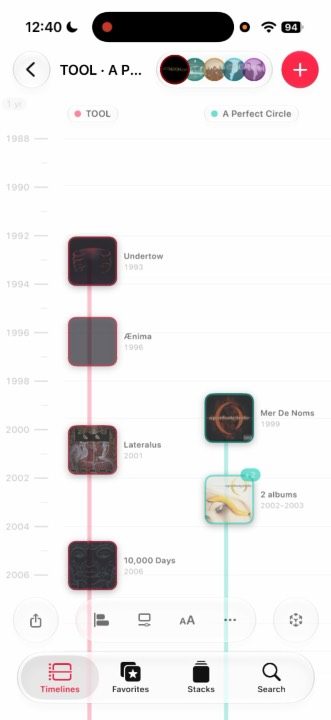
Video slotcrear-timeline.mp4 · scrubbed by scroll
Favorites
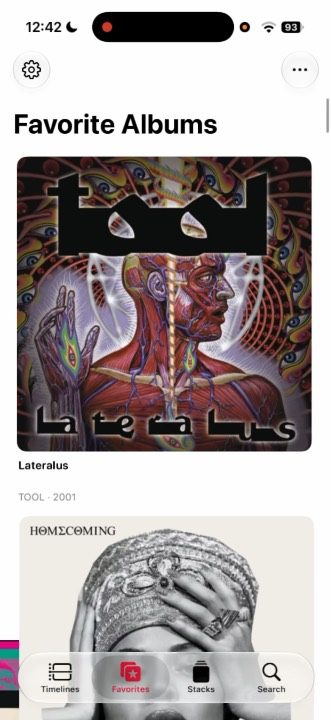
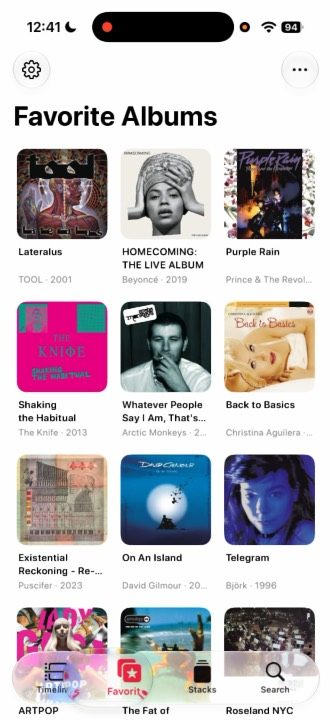
Mark the heart. No limit. Albums are the unit — “people don’t make albums anymore.”
Stacks
A name, a note, and albums in order — played straight through, or seen as one timeline lane.
Your stacks
NameRequired
NoteOptional
Plays its albums back to back, in order.
A name and a note. Unlimited. Add from Favorites or the catalog.
Shelves
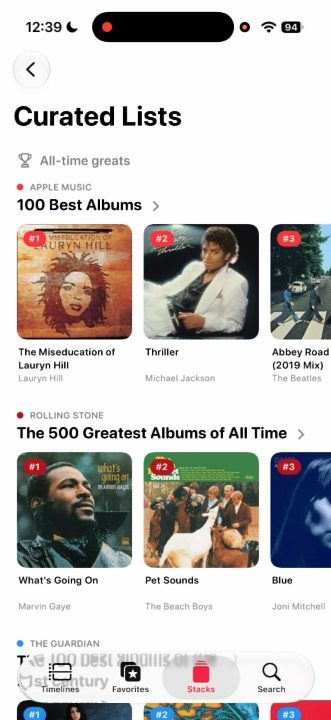
All-time, decade, year, and genre — credited and linked. See a list as a timeline, or save it as a stack.
On your Mac
“Make me a stack for a long night drive.”Builds
Reading is open. Building waits until you allow changes.
Claude Code, Claude Desktop, Codex, and Cursor, through a local socket. Nothing is deleted: removing a timeline archives it.
Beyond the iPhone
iPhone, iPad, Mac, Apple TV, Apple Watch, and Vision Pro. Favorites, timelines, and stacks travel in your private iCloud.
01 / 03iPhone
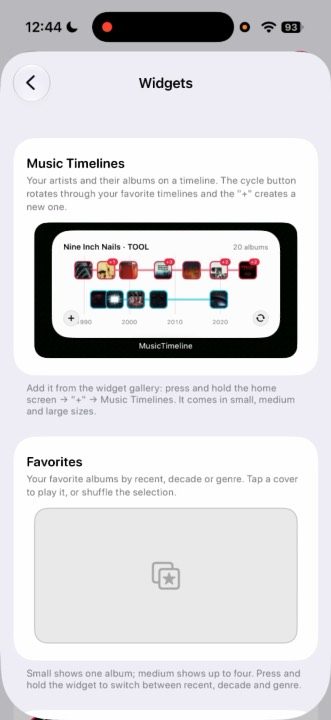
Widgets
Music Timelines, Favorites, Wall, Cover Flow, and Pinned Album. On the Mac, only the timeline widget.
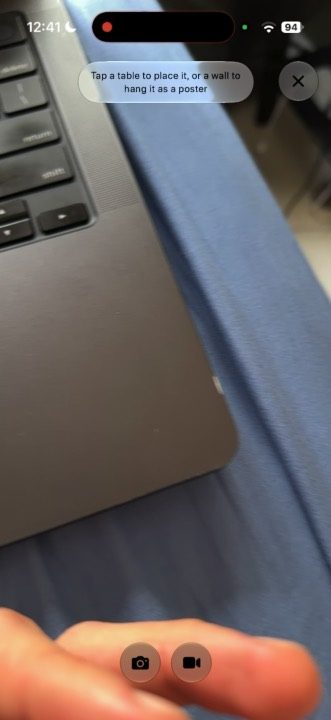
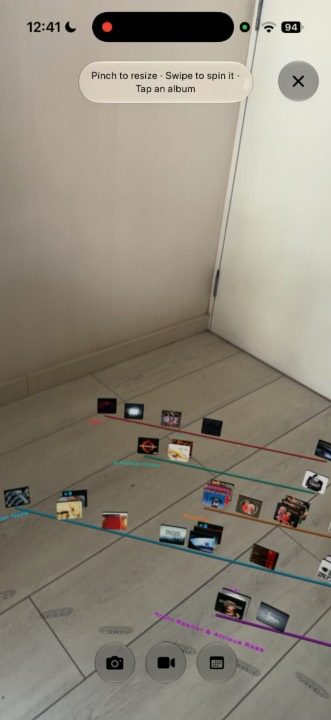
iPhone
Tap a table to set a timeline down, or a wall to hang it. Stacks have AR on iPhone too.
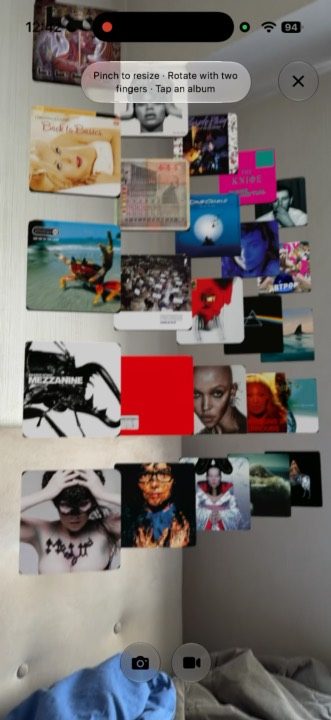
Favorites
View in AR hangs the Favorites grid on a wall, in the same order.
App Store
Music TimelinesOn the App Store